Key takeaways
- The best Zoho CRM consulting starts with your sales process, not with Zoho settings.
- A good implementation covers process design, customisation, automation, integrations, data migration, training and support.
- Ask any consultant to show a Blueprint, a Deluge function and a data migration plan they have built.
- Most focused implementations take two to six weeks; cost depends on users, automation, integrations and data volume.
- The most common failure is low adoption, so training and simple layouts matter as much as features.
What does a Zoho CRM consultant actually do?
A Zoho CRM consultant turns Zoho CRM from an empty database into a system your sales team uses every day. That means understanding how you find, qualify, quote and close customers, then configuring Zoho CRM to match: modules and fields, pipelines and stages, assignment rules, Blueprints for each step, automation for follow-ups, dashboards for managers, and connections to your accounting, email, phone and WhatsApp.
The difference between average and excellent consulting is not the number of features switched on. It is whether, three months after go-live, your team still updates the CRM without being chased, and your managers trust the numbers it shows.
Signs you need Zoho CRM consulting
- Leads arrive from your website, WhatsApp, calls and email, and some are never followed up.
- Each salesperson tracks deals differently, in spreadsheets or personal notes.
- You bought Zoho CRM or Zoho One, but the team still works outside it.
- Quotes and invoices are typed twice, once in CRM and again in accounting.
- Management cannot see the pipeline, forecast or team activity without asking.
- An earlier set-up has grown messy: unused fields, broken workflows and duplicate records.
What a complete Zoho CRM implementation includes
1. Discovery and process design
Before configuring anything, a consultant should document your sales stages, who does what at each stage, which information is required, and which reports management needs. This becomes the blueprint for everything else.
2. Edition and licence advice
Zoho CRM comes in several editions, and Zoho One bundles CRM with Books, Desk, People and many other apps. The right choice depends on the features you need, such as Blueprints, custom modules, sandbox and advanced automation, and on how many other Zoho apps you will use. Always check Zoho's current pricing page before buying.
3. Customisation
Custom modules, fields, page layouts, validation rules and client scripts so each team sees only what it needs. Fewer, better fields lead to cleaner data.
4. Automation
Workflow rules, assignment rules, scheduled actions and Deluge functions take the repetitive work away: assigning leads by region, creating follow-up tasks, sending reminders, updating related records and creating documents.
5. Blueprints
Blueprints guide a deal through each stage and make sure the right information and approvals are captured before it moves on. They are one of the most effective ways to make a sales process consistent.
6. Integrations
The most valuable integration is usually Zoho Books, so quotes, sales orders and invoices flow from CRM to accounting and payment status flows back. Website forms, email, telephony, WhatsApp, Zoho Desk, Zoho Campaigns and third-party apps are connected through native integrations, Zoho Flow or the API.
7. Data migration
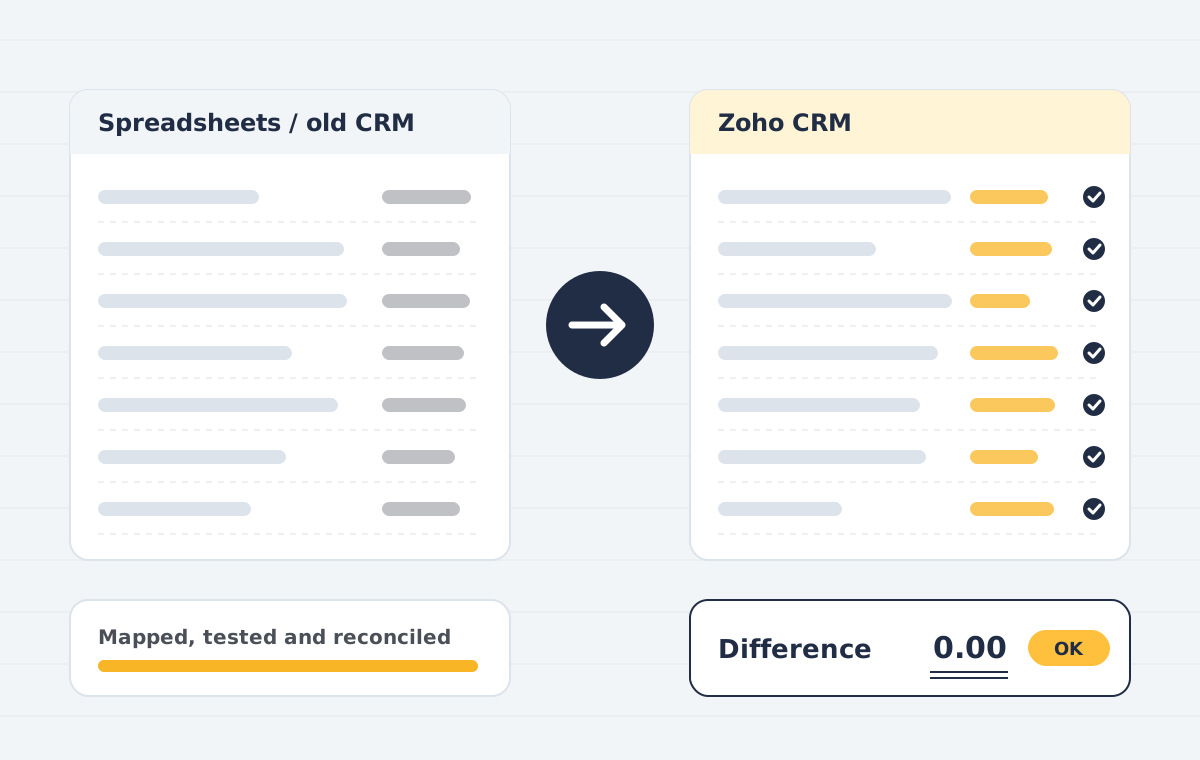
Accounts, contacts, deals, activities, notes and attachments are moved from spreadsheets or another CRM such as Salesforce, HubSpot or Pipedrive, with duplicates removed and relationships kept intact.
8. Dashboards and reports
Pipeline by stage, conversion rates, activity by salesperson, forecast versus target, and lead source performance, built for the meetings you actually hold.
9. Training, launch and support
Role-based training, short written guides, and a support window after launch while the team settles in.
How to choose the best Zoho CRM consulting partner
Use these questions in your first call. A strong consultant will answer them with specifics, not general promises.
- How will you understand our process before configuring anything? Look for a written discovery step and a document you approve.
- Can you show a Blueprint and a Deluge function you have built? Real examples prove technical depth.
- Do you build in a sandbox first? Testing in a copy protects your live data.
- How will you migrate and clean our existing data? Ask how duplicates and relationships are handled.
- Can you connect Zoho CRM to Zoho Books correctly? Accounting knowledge matters when quotes become invoices.
- What training and documentation do we receive? Adoption depends on it.
- What does support look like after launch, and what does it cost?
- Is the quote fixed, and what exactly is included?
Being an official Zoho partner can help, but it is not a guarantee of quality on its own. Relevant experience, technical skills and a clear delivery process matter more.
A typical Zoho CRM implementation timeline
- Week 1: discovery workshop and written solution design.
- Weeks 2 to 3: configuration, customisation and automation in a sandbox, with demos.
- Week 3 to 4: integrations and data migration, then user acceptance testing.
- Week 4: training and go-live, followed by a support period.
A focused set-up for one sales team often fits in two to four weeks. Several departments, custom modules or many integrations usually take six weeks or more, delivered in phases.
What affects the cost of Zoho CRM implementation
- Number of users, teams and sales processes
- Amount of customisation, automation and Blueprint logic
- Number and complexity of integrations
- Volume and quality of data to migrate
- Training and support needs
Zoho licence fees are paid to Zoho separately from consulting fees. A reliable consultant will give you a fixed quote after a scoping call, so you know the cost before work starts.
Common Zoho CRM implementation mistakes
- Copying the old spreadsheet instead of designing a better process.
- Too many mandatory fields, which slows the team and leads to junk data.
- Automating before agreeing the process, which automates confusion.
- Importing dirty data, so duplicates appear from day one.
- No owner after launch, so small issues pile up and adoption drops.
Zoho CRM consulting across India, the USA, UK, Canada, Australia and Dubai
Zoho CRM projects are delivered remotely very effectively. What matters is overlapping working hours, clear written updates and a consultant who understands local requirements: GST in India, sales tax in the US, VAT in the UK and UAE, GST/HST in Canada and GST in Australia, especially when CRM is connected to Zoho Books.
How Publish Point approaches Zoho CRM implementation
Publish Point is a Gurugram-based Zoho consultancy serving clients in India, the USA, UK, Canada, Australia and Dubai. Our team writes Deluge, client scripts and integrations in-house, and our accounting background means Zoho CRM and Zoho Books work together correctly. Every project starts with a free consultation and a written, fixed quote.
Need help with this?
Our Zoho CRM implementation service covers everything in this guide, with a fixed quote after a free call.
See Zoho CRM implementationBook a free demoFrequently asked questions
Who is the best Zoho CRM consultant?
The best Zoho CRM consultant for you is one who documents your process before configuring, can show real Blueprints and Deluge code, builds in a sandbox, plans data migration carefully, and supports you after launch. Ask for examples and speak to past clients.
How long does a Zoho CRM implementation take?
A focused implementation for one sales team typically takes two to four weeks. Larger projects with several departments or many integrations take six weeks or more, delivered in phases.
How much does Zoho CRM implementation cost?
Cost depends on users, customisation, automation, integrations and data migration. Consulting fees are separate from Zoho licence fees. Ask for a fixed quote after a scoping call.
Can Zoho CRM be implemented remotely?
Yes. Most Zoho CRM projects are delivered remotely with video workshops, a shared sandbox and written updates. Overlapping working hours make this smooth.
Do I need Zoho One or just Zoho CRM?
If you only need sales management, Zoho CRM alone may be enough. If you also need accounting, support, HR or inventory, Zoho One often gives better value. A consultant can compare both for your case.
Can you fix an existing Zoho CRM set-up?
Yes. An audit identifies unused fields, broken workflows, duplicates and missing automation, then the set-up is cleaned up and improved without losing data.
Product names and features change. Check the vendor’s current documentation before acting on dates or plan details.