In short
Third-party app integration with QuickBooks connects QuickBooks Online or QuickBooks Desktop to the other apps your business runs on, such as Shopify, Amazon, Stripe, PayPal, Square, Zoho CRM, HubSpot, payroll and inventory systems, so sales, fees, refunds, payouts and bills post to the right accounts automatically instead of being typed in by hand. Publish Point plans, builds, maps and tests each QuickBooks integration and proves it against your bank.
Sounds familiar?
- Orders, invoices and payments typed into QuickBooks by hand
- Shopify, Amazon or Stripe payouts that never match bank deposits
- Duplicate customers and items created by connected apps
- Sales tax and fees posted to the wrong accounts
- An integration that stopped syncing and nobody noticed
What is included
Integration audit
A review of your current apps, connectors, sync errors and how each one posts to QuickBooks.
Connector selection
Native app, middleware or custom API, chosen for reliability, cost and the detail you need.
E-commerce integration
Shopify, WooCommerce, Amazon and eBay orders, fees, refunds and payouts.
Payment integration
Stripe, PayPal, Square and Razorpay settlements matched to bank deposits through clearing accounts.
CRM integration
Zoho CRM, HubSpot or Salesforce customers, quotes and invoices synced with QuickBooks.
Payroll, expenses and bills
Payroll journals, expense claims and supplier bills posted to the right accounts.
Custom QuickBooks API integration
Your in-house system, portal or ERP connected through the QuickBooks API, Zoho Flow, Make or Zapier.
Account and tax mapping
Sales, discounts, shipping, fees, refunds and sales tax, GST or VAT mapped to your chart of accounts.
Testing and go-live
Real transactions tested in a sandbox or a controlled live run before the full switch-on.
Monitoring and support
Error alerts, a written runbook and monthly support so the sync keeps running.
Platforms covered
How the project runs
Discovery
We document how money moves through your business: sales, purchases, payroll, tax and reporting.
Design
Chart of accounts, tax set-up, approval flows and user roles are agreed before configuration starts.
Configuration
We configure the platform, templates, automations and integrations in a test environment first.
Data load
Opening balances, contacts, items and open transactions are imported and checked.
Training
Role-based sessions for owners, accountants and staff, recorded for later use.
Go-live support
We stay on hand through your first month-end close.
Who this is for
- E-commerce sellers on one or more channels
- Service firms using a separate CRM or job system
- Businesses with several payment processors
- Companies with an in-house app or portal that needs to post to QuickBooks
- Accounting firms whose clients run connected apps
QuickBooks integration: apps we connect
| App type | What syncs to QuickBooks |
|---|---|
| E-commerce: Shopify, WooCommerce, Amazon | Orders or daily summaries, fees, refunds, shipping, sales tax and payouts |
| Payments: Stripe, PayPal, Square, Razorpay | Charges, fees, refunds and settlements through a clearing account |
| CRM: Zoho CRM, HubSpot, Salesforce | Customers, products, quotes and invoices, with payment status back in the CRM |
| Payroll: Gusto, ADP and others | Payroll journals, liabilities and employer costs by department or class |
| Expenses and bills: Dext, Expensify, Bill.com | Receipts, expense claims and supplier bills with attachments |
| Custom apps and ERPs | Any record your system creates, through the QuickBooks API or a middleware flow |
How we connect apps to QuickBooks
- Native apps from the QuickBooks App Store when they post the detail you need
- Middleware such as Zapier, Make or Zoho Flow for multi-step or no-code workflows
- Custom integrations built on the QuickBooks Online Accounting API with secure OAuth 2.0 sign-in
- QuickBooks Desktop connections through the Web Connector or the Desktop SDK
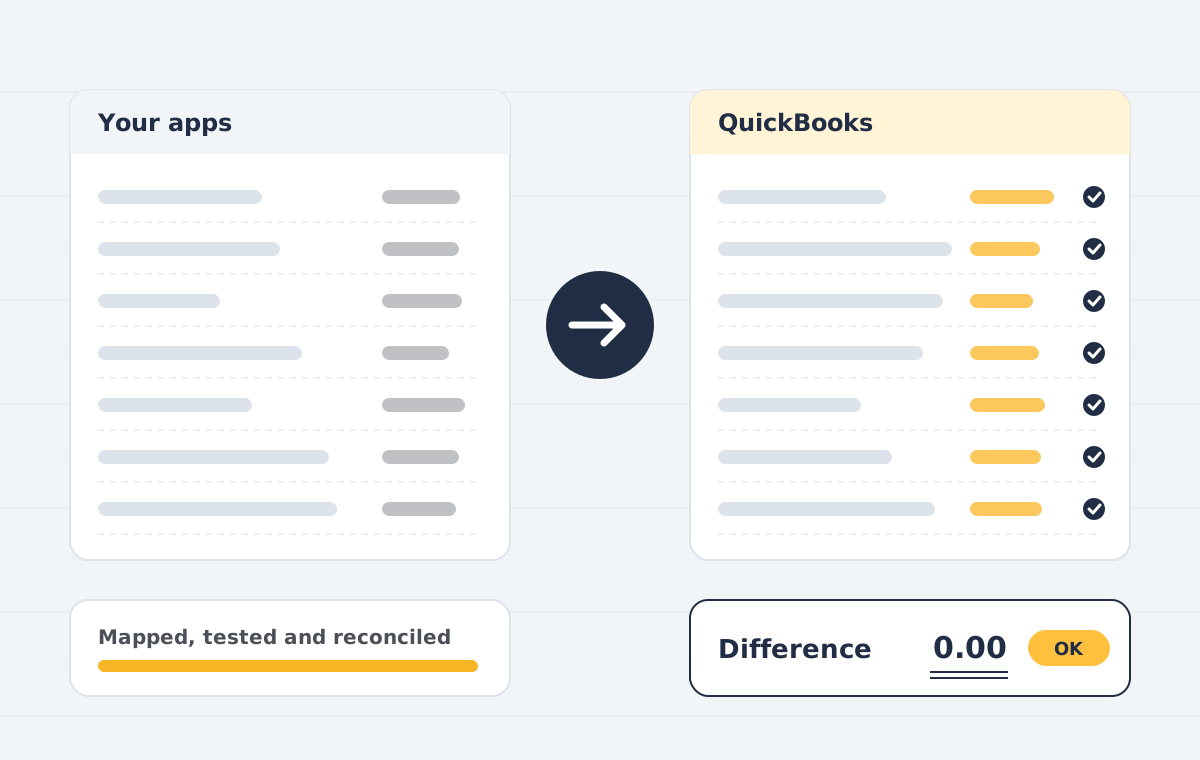
- Clearing accounts so every payout reconciles to the bank to the cent
- Error alerts so a failed sync is found the same day, not at month-end
QuickBooks app integration: common questions
What is third-party app integration with QuickBooks?
It is connecting QuickBooks to other business apps, such as an online store, payment processor, CRM or payroll system, so their transactions are recorded in QuickBooks automatically and correctly, without manual data entry.
Which apps can you connect to QuickBooks?
Common integrations include Shopify, WooCommerce, Amazon, Stripe, PayPal, Square, Razorpay, Zoho CRM, HubSpot, Salesforce, Gusto, Dext and Bill.com. Any app with an API can usually be connected.
Do you build custom QuickBooks API integrations?
Yes. When no reliable connector exists, we build a custom integration with the QuickBooks Online Accounting API, or use Zoho Flow, Make or Zapier for simpler workflows.
Does it work with QuickBooks Desktop as well as QuickBooks Online?
Yes. QuickBooks Online is connected through its API and app marketplace; QuickBooks Desktop is connected through the Web Connector or the Desktop SDK, which supports fewer apps.
Should each order post separately or as a daily summary?
High-volume stores usually post a daily or per-payout summary to keep QuickBooks fast and easy to reconcile. Lower-volume or B2B businesses often post each invoice. We recommend after looking at your volumes and reporting needs.
Why do my Shopify or Stripe payouts not match my bank?
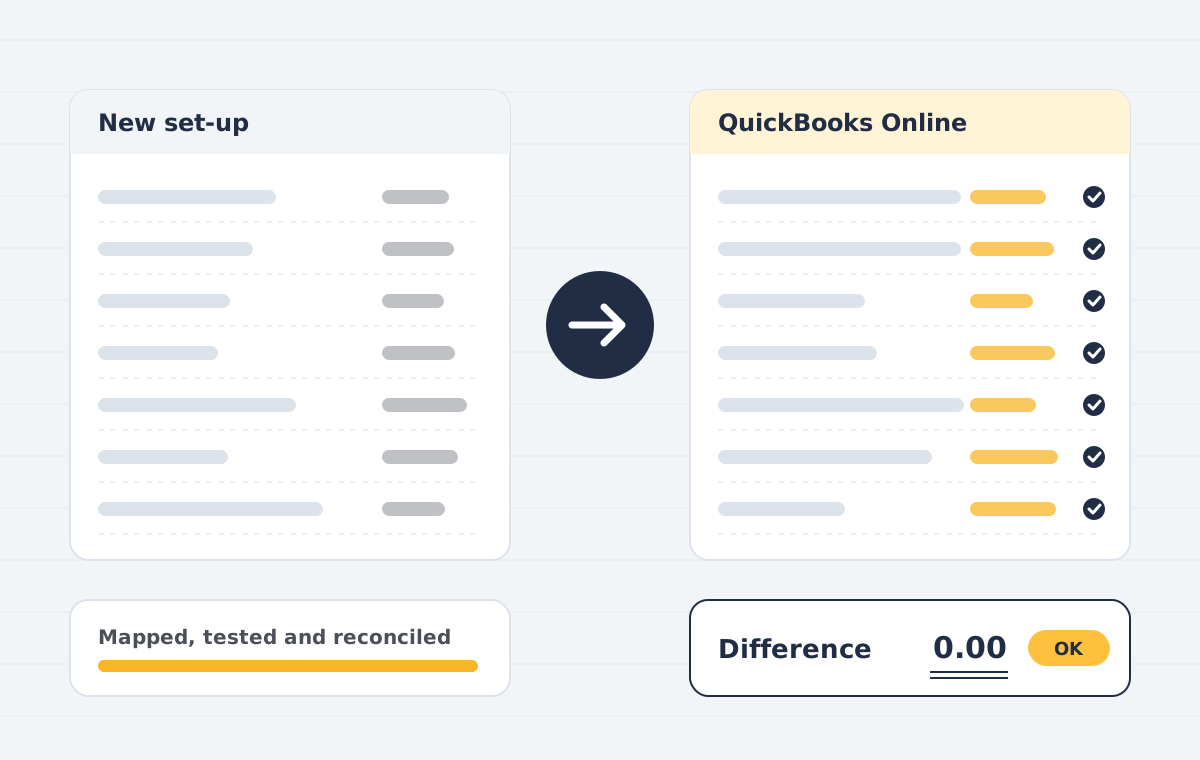
Payouts are net of fees, refunds and holds, and often cover several days of sales. We post gross sales and fees to a clearing account, so each payout matches the bank deposit exactly.
How long does a QuickBooks integration take?
A standard connector is usually configured, mapped and tested in one to two weeks. Custom API integrations take two to six weeks depending on the data and rules involved.
How much does QuickBooks integration cost?
It depends on the number of apps, the connector or custom build, and the clean-up needed. We send a fixed quote after a free call. Any connector subscription fees are paid to the app provider.
Can you fix an integration that is creating duplicates?
Yes. We find the cause, merge duplicate customers and items, correct mis-posted transactions and change the settings so it does not happen again.
Is my QuickBooks data secure during integration?
Apps connect through QuickBooks sign-in with limited permissions, no passwords are shared, and we can sign an NDA before work starts.
Related case studies
What makes a QuickBooks integration reliable
A reliable QuickBooks integration posts the same transaction the same way every time. That means a clearing account for each payment processor, one mapping for fees, refunds and shipping, and a clear rule for whether orders post one by one or as a daily summary.
We test every QuickBooks integration with real orders and payouts before switching it on, and we set up error alerts so a failed sync is found the same day. For e-commerce sellers we often pair a QuickBooks integration with a QuickBooks clean-up of past months.
Custom work uses the official QuickBooks Online API with secure sign-in, so no passwords are shared. If you are moving to Zoho instead, the same approach applies to our Zoho Books implementation.
Every QuickBooks integration comes with a short runbook: what syncs, when it syncs, where errors appear and who to call. Your team can check it in minutes instead of guessing at month-end.
Not sure which QuickBooks integration you need? Send us your app list and monthly volumes, and we will recommend the simplest QuickBooks integration that keeps your books accurate.