In short
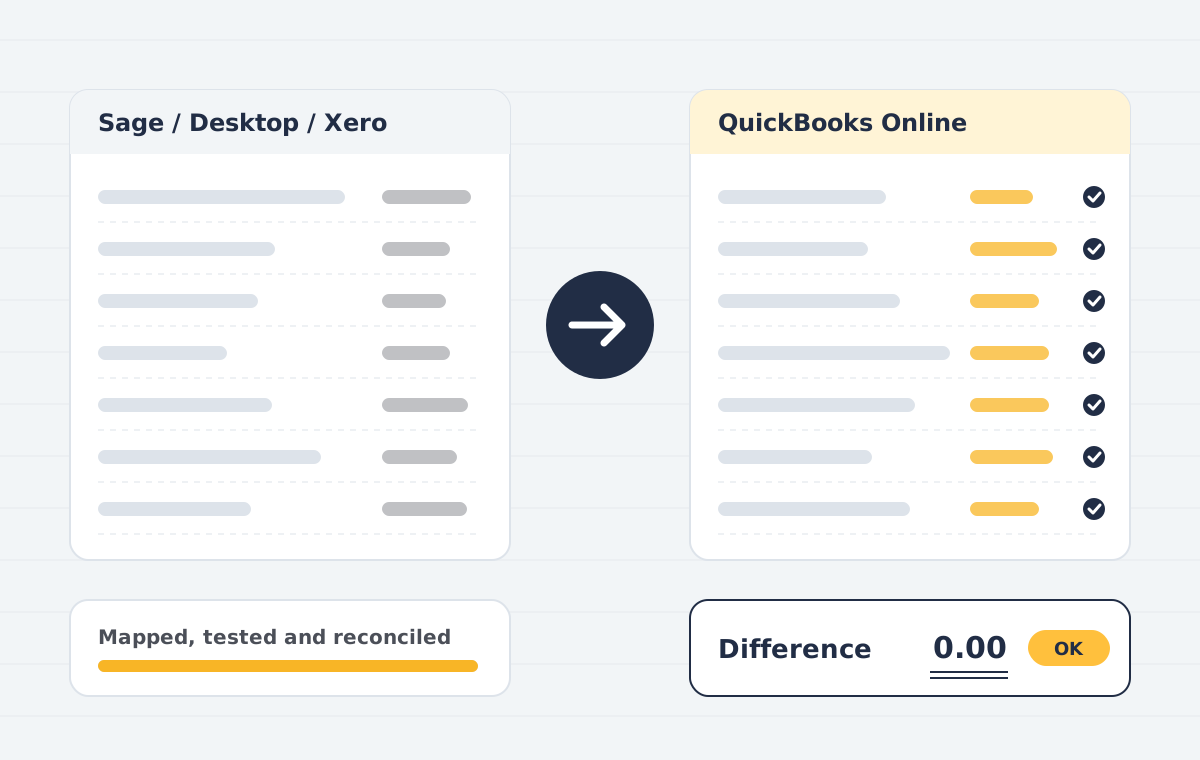
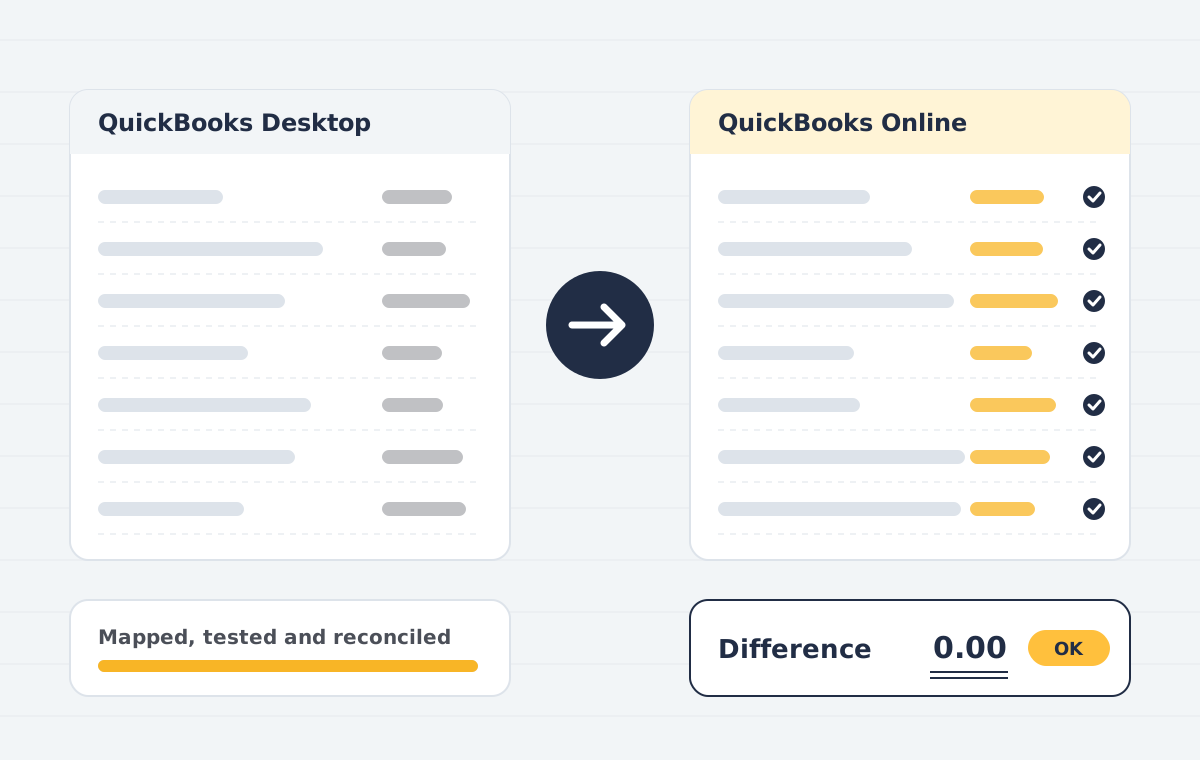
QuickBooks Desktop to Online migration moves your company file, including lists, transactions and balances, into QuickBooks Online. Intuit provides a built-in conversion tool, but files with errors, inventory, payroll or large history often need preparation and reconciliation. Publish Point handles both.
Sounds familiar?
- Your Desktop version is reaching end of support
- The built-in conversion tool failed or exceeded size limits
- Inventory, payroll or multi-currency data that needs special handling
- You want to clean up years of messy data while you move
What is included
File health check
Verify and rebuild the company file, and resolve data errors before conversion.
Edition matching
We recommend the right QuickBooks Online plan for your users, classes and inventory needs.
Conversion
Built-in tool or third-party conversion depending on file size and complexity.
Clean-up
Inactive lists merged, unapplied payments resolved, and undeposited funds cleared.
Reconciliation
Profit and loss, balance sheet, AR and AP compared report by report.
App reconnection
Bank feeds, payment apps and payroll reconnected in QuickBooks Online.
How the project runs
Scoping call
We review your source file, years of history, users and integrations, then confirm what can move and what cannot.
Data audit & mapping
We check the source trial balance, clean duplicates and map accounts, tax codes, items and contacts to the destination.
Test migration
A trial run into a sandbox company lets you review reports before anything goes live.
Live migration
We migrate the agreed data set at an agreed cut-over date, with minimal downtime for your team.
Reconciliation
Trial balance, AR/AP ageing and bank balances are compared side by side and differences are explained or corrected.
Handover & training
Your team gets a walkthrough, a migration report and post-go-live support.
Who this is for
- US, Canadian, UK and Australian businesses on QuickBooks Desktop
- Accountants moving client files to the cloud
- Companies with large or damaged company files
QuickBooks Desktop to Online: common questions
Is QuickBooks Desktop being discontinued?
Intuit stopped selling new Desktop Pro Plus, Premier Plus and Mac Plus subscriptions to new US customers on 30 September 2024. Existing subscribers can renew, and QuickBooks Desktop Enterprise is still sold. Each Desktop version also has its own support end date, so check yours.
What does not move from Desktop to Online?
Some data, such as certain reports, payroll history, audit trail, memorised transactions, and some inventory settings, does not convert directly. We list these for your file and recreate what can be recreated.
Can I keep using Desktop during the migration?
Yes. We work on a copy and agree a cut-over date. Any entries made after the copy are brought across before go-live.
How much history can be migrated?
Usually your full history. For very large files we may recommend summarising older years to keep QuickBooks Online fast.
QuickBooks Desktop to Online: what to decide first
Before any QuickBooks Desktop to Online move, decide how much history you need. Many businesses bring two to three years of detail and summarise older years, which keeps the new company file fast and the conversion simple.
Next, check the health of the Desktop file. Damaged lists, unapplied payments and very large files are the usual reasons the built-in QuickBooks Desktop to Online tool fails. We repair those first, then run a test conversion you can review in QuickBooks Online.
Our QuickBooks Desktop to Online service ends with a reconciliation pack and a handover call. If you are also moving from other software, see our wider QuickBooks data migration and conversion services.