In short
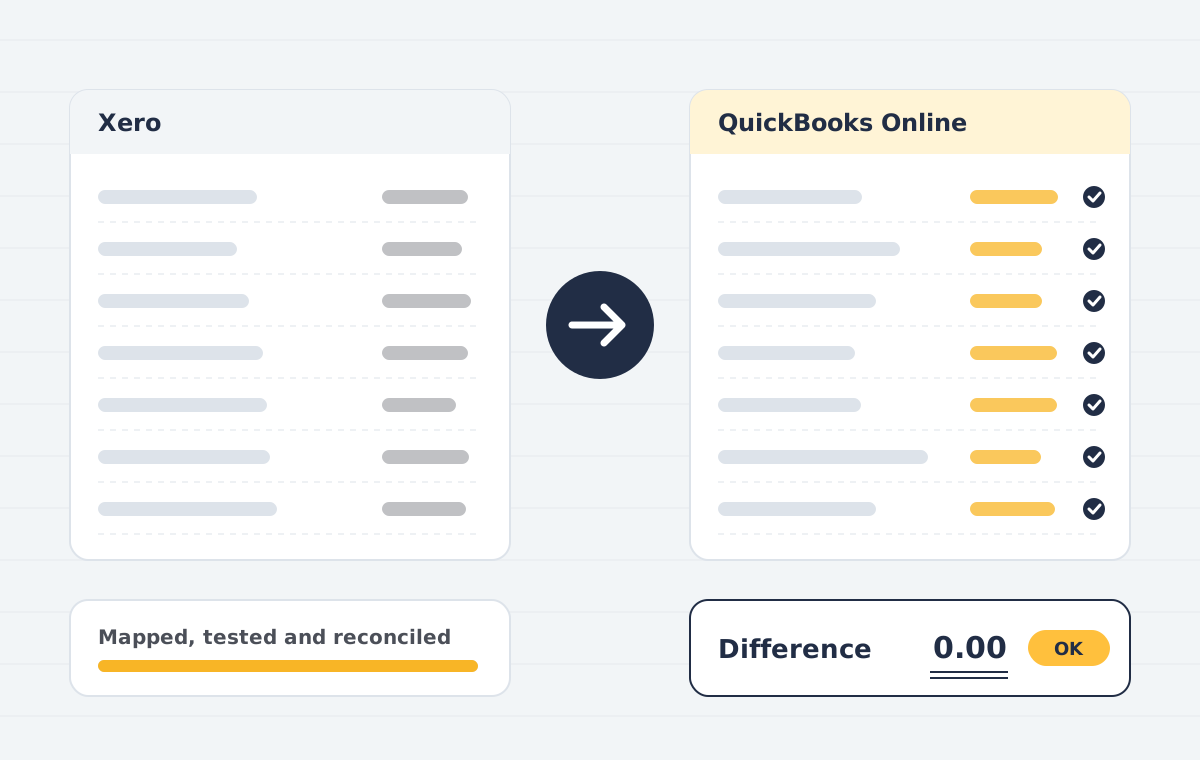
Xero to QuickBooks migration moves your Xero chart of accounts, contacts, items, open invoices and bills, and selected transaction history into QuickBooks Online, then reconciles balances. Tracking categories are usually mapped to QuickBooks classes or locations.
Sounds familiar?
- Tracking categories that need a new home
- Open invoices and bills with part payments
- Bank reconciliations you do not want to redo
What is included
Chart of accounts
Account codes and types mapped to QuickBooks.
Tracking categories
Mapped to classes, locations or tags.
Open items
Invoices, bills, credits and part-payments at line level.
History
Full or summarised history, as agreed.
Reconciliation
Balance sheet and ageing compared with Xero.
Bank feeds
Feeds reconnected with a clean start date.
How the project runs
Scoping call
We review your source file, years of history, users and integrations, then confirm what can move and what cannot.
Data audit & mapping
We check the source trial balance, clean duplicates and map accounts, tax codes, items and contacts to the destination.
Test migration
A trial run into a sandbox company lets you review reports before anything goes live.
Live migration
We migrate the agreed data set at an agreed cut-over date, with minimal downtime for your team.
Reconciliation
Trial balance, AR/AP ageing and bank balances are compared side by side and differences are explained or corrected.
Handover & training
Your team gets a walkthrough, a migration report and post-go-live support.
Who this is for
- Businesses switching for inventory or payroll features
- Groups standardising on one platform
Xero to QuickBooks: common questions
How are Xero tracking categories handled?
Usually one tracking category becomes QuickBooks classes and a second becomes locations, so both reporting views are kept.
Do reconciled bank transactions stay reconciled?
We migrate the reconciled status where the destination supports it and set a clean opening reconciliation point so you do not redo past months.
Xero to QuickBooks: keeping tracking and history
Tracking categories in Xero usually become classes or locations in QuickBooks. Deciding that mapping early is the most important step in a Xero to QuickBooks move, because it shapes every report afterwards.
We bring across contacts, open items and history, then reconcile receivables, payables and bank balances. Our Xero to QuickBooks service also covers payroll and app reconnections. See Xero for exporting your data before the move.
Moving from Sage instead? Our Sage to QuickBooks service follows the same checks, and all routes are listed under QuickBooks data migration.