Frequently asked questions
This FAQ gives straight answers about data migration, implementations, timelines, pricing and data security.
FAQ: About working with us
What does Publish Point do?
Publish Point delivers Zoho CRM implementation, Zoho One implementation and QuickBooks data migration and conversion, plus Zoho Books setup, Zoho Inventory and custom Zoho Creator apps, for businesses in India, the USA, UK, Canada, Australia and Dubai.
Where is Publish Point based?
Our head office is in Sector 8, Gurugram, Haryana, India. We work with clients across India, the United States and Australia, with meeting times in each client’s time zone.
How much does an accounting data migration cost?
Pricing depends on the source platform, years of history, number of transactions and entities. After a free 30-minute scoping call we send a fixed quote, so you know the cost before work starts.
Do you sign an NDA?
Yes. We sign a non-disclosure agreement before receiving any financial data if you need one.
Do you offer support after go-live?
Every project includes a support window after go-live, and monthly support plans are available for ongoing help.
Are you affiliated with Intuit, Zoho or Sage?
No. Publish Point is an independent consultancy. QuickBooks is a trademark of Intuit Inc., Zoho is a trademark of Zoho Corporation, and Sage, Xero, MYOB and Tally are trademarks of their respective owners.
FAQ: Zoho implementation
What is Zoho CRM implementation?
Zoho CRM implementation is the process of setting up Zoho CRM for a business: requirement workshop, sales process and pipeline design, module and field customisation, automation, data migration, integrations, testing, training and go-live support.
What does a Zoho CRM consultant do?
A Zoho CRM consultant maps your sales process, recommends the right edition and set-up, configures and customises Zoho CRM, automates repetitive work, migrates your data, connects other tools and trains your team so the CRM is actually used.
How long does a Zoho CRM implementation take?
A focused set-up for one sales team usually takes two to four weeks. Projects with several departments, custom modules or many integrations are delivered in phases over six to ten weeks.
How much does Zoho CRM implementation cost?
Cost depends on users, modules, automations, integrations and data volume. After a free 30-minute call we send a fixed quote. Zoho licence fees are paid to Zoho separately.
Which Zoho CRM edition do I need?
Standard suits basic pipelines, Professional adds Blueprints, inventory and more automation, and Enterprise adds advanced customisation, multiple layouts and sandbox. Zoho One is often better value if you also need Books, Desk or People. We recommend after the requirement workshop.
Can you fix our existing Zoho CRM set-up?
Yes. We audit your current set-up, then clean up fields, layouts, workflows and duplicates, and rebuild automations that are not working.
Can you write custom Deluge functions?
Yes. We write Deluge functions, client scripts and widgets for logic that standard workflows cannot handle.
Can Zoho CRM integrate with Zoho Books?
Yes. Customers, items, quotes, sales orders and invoices can sync between Zoho CRM and Zoho Books, so sales can see what has been invoiced and paid.
Can you migrate from another CRM?
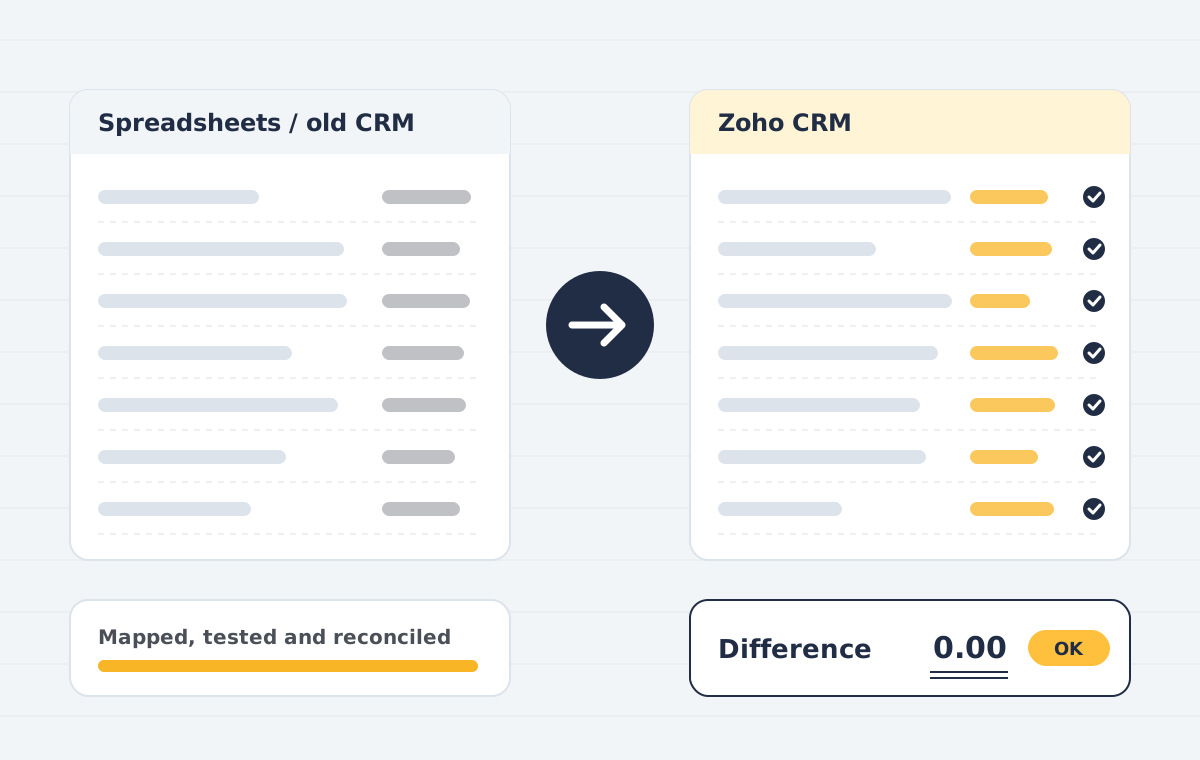
Yes. We migrate from Salesforce, HubSpot, Pipedrive, Freshsales and spreadsheets, keeping relationships between accounts, contacts, deals and activities.
Do you offer Zoho CRM implementation outside India?
Yes. We work in person across Delhi NCR and online with businesses in the United States, United Kingdom, Canada, Australia and Dubai (UAE), with meetings in your business hours.
Is Publish Point an official Zoho partner?
Publish Point provides independent Zoho CRM implementation and consulting. Zoho is a trademark of Zoho Corporation; we are not affiliated with or endorsed by Zoho.
What is Zoho One implementation?
Zoho One implementation is the planned set-up of the Zoho One suite for your business: choosing the apps you need, configuring them, connecting them, migrating your data and training each team, usually in phases.
What is included in Zoho One?
Zoho One includes more than 40 Zoho applications, such as CRM, Books, Inventory, Desk, People, Projects, Creator, Campaigns and Analytics, under one licence.
How long does a Zoho One implementation take?
A first phase covering Zoho CRM and Zoho Books usually takes four to six weeks. A full roll-out across sales, finance, inventory, support and HR is typically delivered over two to four months.
How much does Zoho One implementation cost?
It depends on the apps, users, integrations and data you bring across. After a free scoping call we send a fixed quote for each phase. Zoho One licence fees are paid to Zoho separately.
Do we have to roll out every app at once?
No. We start with the apps that save the most time, often CRM and Books, and add others in phases so each team adopts one change at a time.
Should we choose all-employee or flexible-user pricing?
Zoho offers Zoho One licences for every employee or for selected users only. The right choice depends on how many staff need access; we compare both during the roll-out plan.
Is Zoho One better than buying Zoho CRM and Zoho Books separately?
If you need three or more Zoho apps, Zoho One is often better value and easier to manage. For one or two apps, separate licences can cost less. We give you the comparison before you buy.
Can you migrate data from our current tools?
Yes. We migrate customers, deals, accounts, items, open invoices and history from tools such as Salesforce, HubSpot, QuickBooks, Tally, Xero and spreadsheets.
We already have Zoho One. Can you fix our set-up?
Yes. We audit what you use today, fix broken sync and automation, remove duplicate data and roll out the apps you are paying for but not using.
Do you provide Zoho One implementation outside India?
Yes. We implement Zoho One for businesses in the United States, United Kingdom, Canada, Australia and Dubai, including local tax settings in Zoho Books.
Does Zoho Inventory work with Zoho Books?
Yes. Zoho Inventory and Zoho Books share items, contacts and transactions, so stock movements post to your accounts automatically.
Can you migrate our stock from Tally or spreadsheets?
Yes. Items, units and opening stock per warehouse are migrated and checked against your stock summary on the go-live date.
Can Zoho Inventory connect to Shopify and Amazon?
Yes. Zoho Inventory has integrations for major channels, and we configure order, stock and fee handling for each one.
What can be built in Zoho Creator?
Approval workflows, inventory and asset trackers, job and field service apps, onboarding systems, customer and vendor portals, and many other internal tools.
How long does a Creator app take?
A focused app often takes a few weeks from workshop to launch. Larger systems are delivered in phases.
Can Zoho People connect to biometric devices?
Yes. Many biometric attendance devices can sync with Zoho People, directly or through middleware.
Does Zoho People handle Indian leave rules?
Leave types, accrual, carry-forward and encashment rules can be configured to match your policy.
FAQ: QuickBooks data migration & conversion
What is QuickBooks data conversion?
QuickBooks data conversion is moving your accounting data from another system, or from another version of QuickBooks, into QuickBooks so lists, transactions and balances carry over. The most common is QuickBooks Desktop to QuickBooks Online.
How long does a QuickBooks data migration take?
A small business with a few years of history is often converted in three to five working days. Large files, inventory, several entities or Sage and Tally sources can take two to three weeks. You get a timeline with the fixed quote.
How much does QuickBooks data migration cost?
The price depends on the source system, years of history, transaction volume and clean-up needed. After a free scoping call and a look at your file, we send a fixed quote.
What does not convert from QuickBooks Desktop to Online?
Some data, such as certain reports, payroll history, the audit trail, memorised transactions and some inventory settings, does not convert directly. We list what applies to your file and recreate what can be recreated.
Can you convert Sage 50 to QuickBooks Online with history?
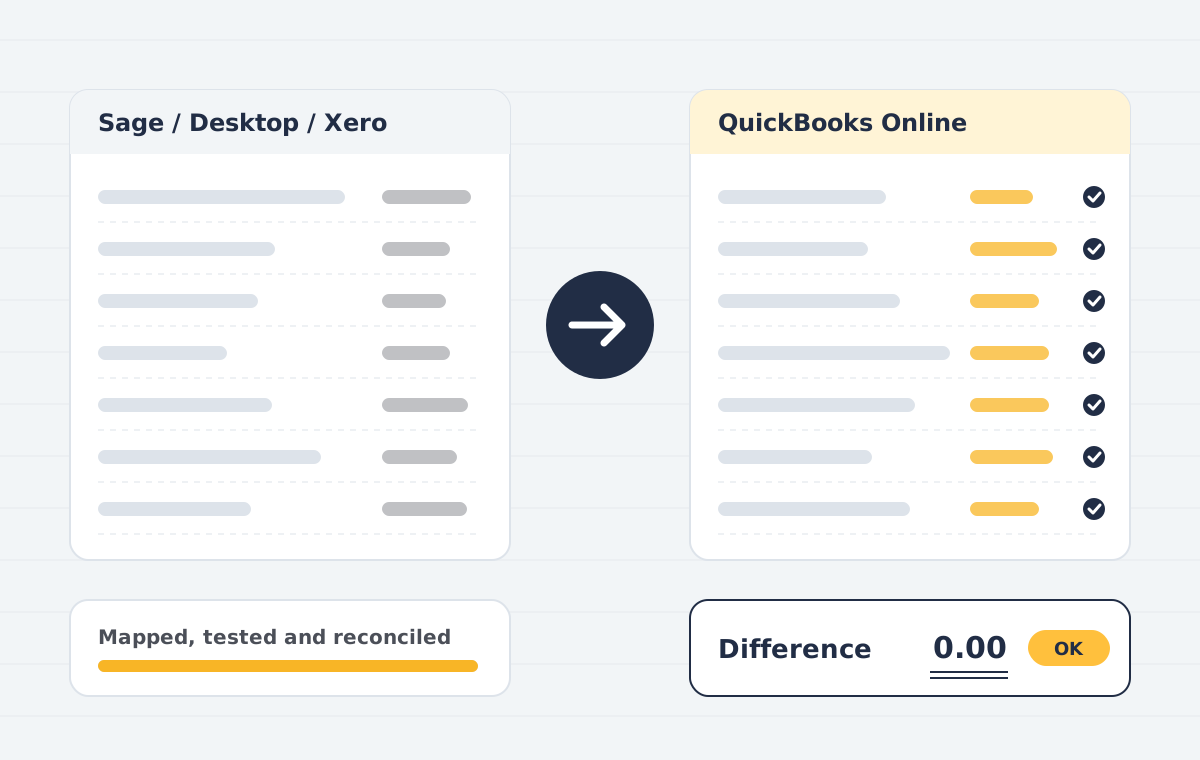
Yes. We move customers, suppliers, items, open invoices and bills, and transaction history or monthly summaries, then reconcile the trial balance on the cut-over date.
Can QuickBooks Online data be moved to Zoho Books?
Yes. We migrate the chart of accounts, contacts, items, open invoices and bills, and history into Zoho Books, then reconcile balances before go-live.
Can I change the country of my QuickBooks Online company?
A QuickBooks Online company cannot be switched to another country edition. We create a new company for the right country and migrate your data into it.
Can we keep working during the conversion?
Yes. We work on a copy of your data and agree a cut-over date. Entries made after the copy are brought across before go-live.
Is my accounting data secure?
Files are exchanged over encrypted links, access is limited to the assigned consultant, and we can sign an NDA. Copies are deleted after sign-off on request.
Do you convert QuickBooks files for accountants?
Yes. Accounting firms in the US, UK, Canada and Australia send us client conversions in batches, and we return each file with a reconciliation pack.
Which accounting software can you migrate from?
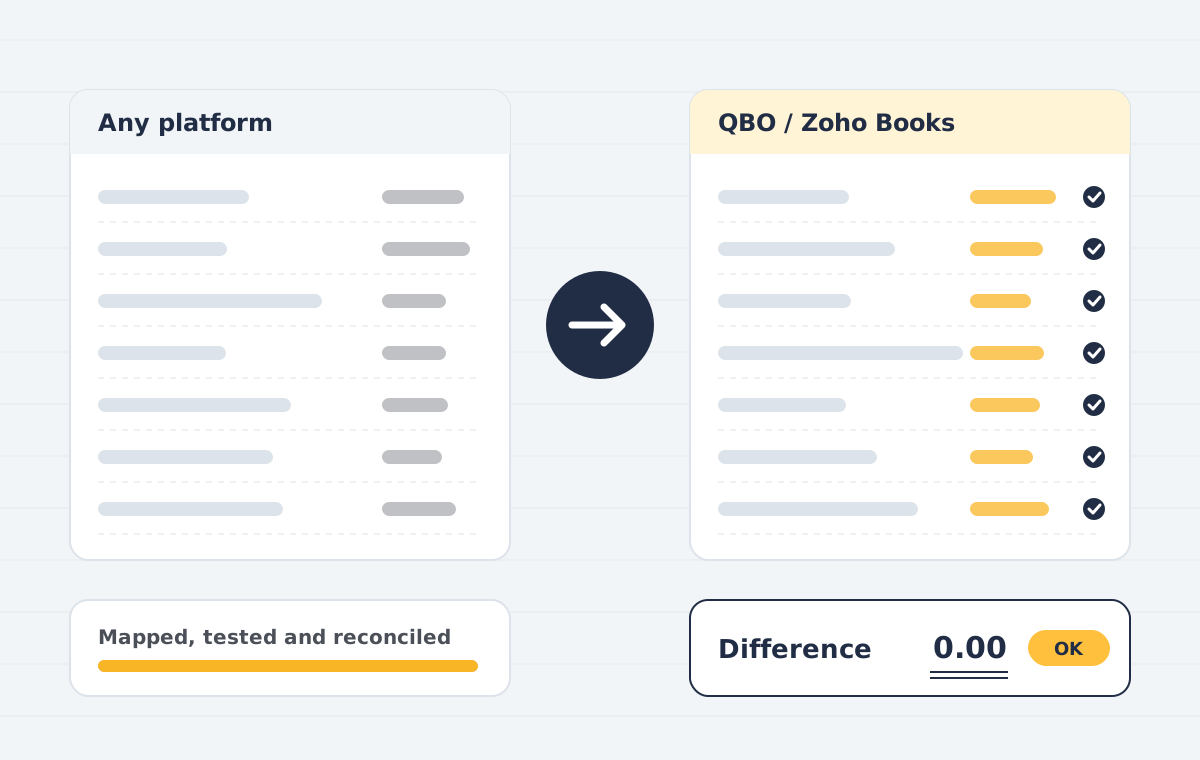
We commonly migrate from QuickBooks Desktop, Sage 50, Xero, MYOB, Tally and spreadsheets, and between QuickBooks Online and Zoho Books. Other systems are possible if they can export data; we confirm on the scoping call.
Can all of my data be migrated?
Most lists, balances and transactions can. Some items, such as audit trails, attachments, payroll history or custom reports, may not transfer between platforms. We list exactly what will and will not move before you approve the quote.
How long does a migration take?
A small company with a few years of history is often completed in a few working days. Larger files, multiple entities or heavy inventory take longer. You get a timeline with the fixed quote.
Will my business be disrupted?
We work from a copy of your data and agree a cut-over date, so your team keeps working in the old system until the new one is reconciled and ready.
Is my financial data kept secure?
Files are exchanged over encrypted links, access is limited to the assigned consultant, and we can sign an NDA before work starts. Copies are deleted after sign-off on request.
Is QuickBooks Desktop being discontinued?
Intuit stopped selling new Desktop Pro Plus, Premier Plus and Mac Plus subscriptions to new US customers on 30 September 2024. Existing subscribers can renew, and QuickBooks Desktop Enterprise is still sold. Each Desktop version also has its own support end date, so check yours.
What does not move from Desktop to Online?
Some data, such as certain reports, payroll history, audit trail, memorised transactions, and some inventory settings, does not convert directly. We list these for your file and recreate what can be recreated.
Can I keep using Desktop during the migration?
Yes. We work on a copy and agree a cut-over date. Any entries made after the copy are brought across before go-live.
How much history can be migrated?
Usually your full history. For very large files we may recommend summarising older years to keep QuickBooks Online fast.
Can you migrate Sage 50 to QuickBooks Online?
Yes. We export your Sage 50 data, map it to QuickBooks Online and import it with reconciled balances. Sage Business Cloud Accounting can be migrated the same way.
Will my VAT history come across?
Tax amounts on migrated transactions carry over. Filed VAT returns are not re-created in QuickBooks, so keep a copy of your Sage returns for your records.
How do you handle Sage departments?
Departments usually become QuickBooks classes or locations, so you keep the same reporting view.
Can QuickBooks data be migrated to Zoho Books?
Yes. We export your QuickBooks data, map it to Zoho Books and reconcile the result. Zoho also provides a migration utility for QuickBooks Online that we use where it fits.
What happens to QuickBooks classes?
Classes and locations are usually mapped to Zoho Books reporting tags, keeping your segment reporting.
Is there a direct Tally to Zoho Books connector?
Zoho documents a file-based migration: reports are exported from Tally and imported into Zoho Books. We prepare and clean those files, handle the mapping and reconcile the result.
Can GST data be migrated from Tally?
Tax rates and GST details on transactions are migrated. GST returns already filed stay on the GST portal and are not re-filed.
What is the best date to migrate?
The start of a financial year or quarter is simplest, but we can migrate mid-year with opening balances on any agreed date.
How are Xero tracking categories handled?
Usually one tracking category becomes QuickBooks classes and a second becomes locations, so both reporting views are kept.
Do reconciled bank transactions stay reconciled?
We migrate the reconciled status where the destination supports it and set a clean opening reconciliation point so you do not redo past months.
FAQ: QuickBooks integration & accounting setup
What is third-party app integration with QuickBooks?
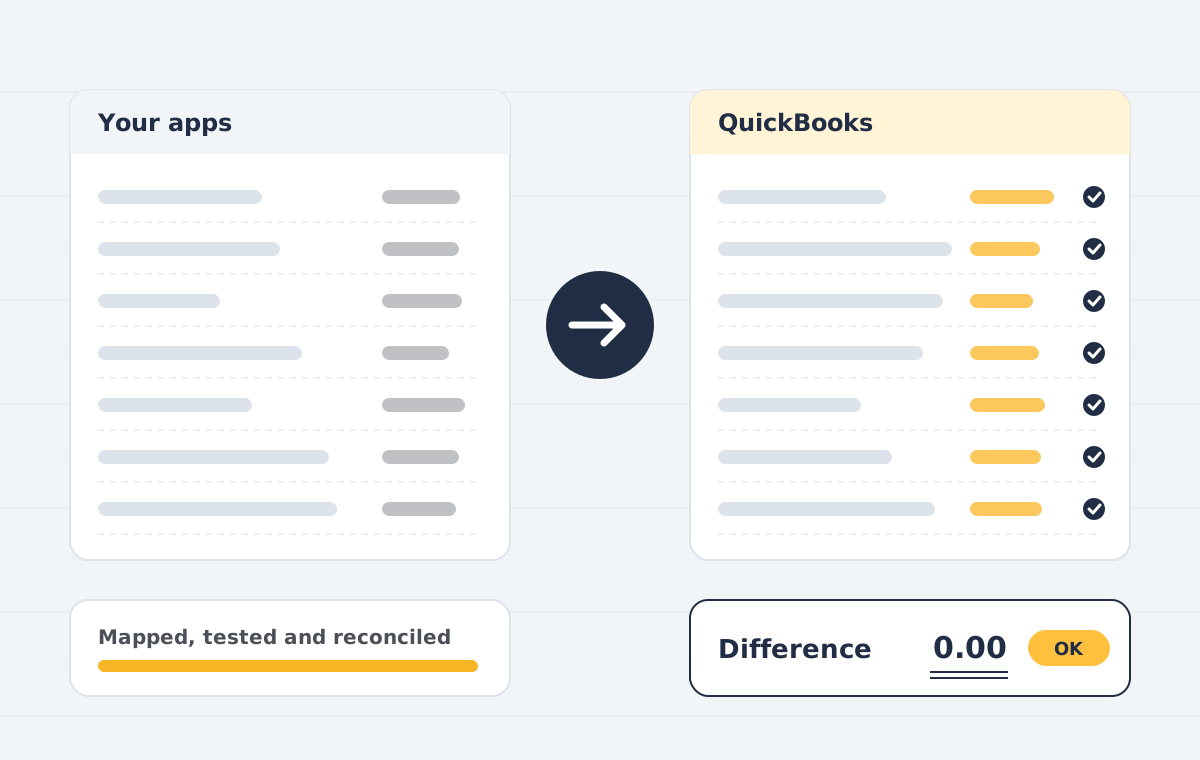
It is connecting QuickBooks to other business apps, such as an online store, payment processor, CRM or payroll system, so their transactions are recorded in QuickBooks automatically and correctly, without manual data entry.
Which apps can you connect to QuickBooks?
Common integrations include Shopify, WooCommerce, Amazon, Stripe, PayPal, Square, Razorpay, Zoho CRM, HubSpot, Salesforce, Gusto, Dext and Bill.com. Any app with an API can usually be connected.
Do you build custom QuickBooks API integrations?
Yes. When no reliable connector exists, we build a custom integration with the QuickBooks Online Accounting API, or use Zoho Flow, Make or Zapier for simpler workflows.
Does it work with QuickBooks Desktop as well as QuickBooks Online?
Yes. QuickBooks Online is connected through its API and app marketplace; QuickBooks Desktop is connected through the Web Connector or the Desktop SDK, which supports fewer apps.
Should each order post separately or as a daily summary?
High-volume stores usually post a daily or per-payout summary to keep QuickBooks fast and easy to reconcile. Lower-volume or B2B businesses often post each invoice. We recommend after looking at your volumes and reporting needs.
Why do my Shopify or Stripe payouts not match my bank?
Payouts are net of fees, refunds and holds, and often cover several days of sales. We post gross sales and fees to a clearing account, so each payout matches the bank deposit exactly.
How long does a QuickBooks integration take?
A standard connector is usually configured, mapped and tested in one to two weeks. Custom API integrations take two to six weeks depending on the data and rules involved.
How much does QuickBooks integration cost?
It depends on the number of apps, the connector or custom build, and the clean-up needed. We send a fixed quote after a free call. Any connector subscription fees are paid to the app provider.
Can you fix an integration that is creating duplicates?
Yes. We find the cause, merge duplicate customers and items, correct mis-posted transactions and change the settings so it does not happen again.
Is my QuickBooks data secure during integration?
Apps connect through QuickBooks sign-in with limited permissions, no passwords are shared, and we can sign an NDA before work starts.
Does Zoho Books support GST e-invoicing?
Yes. The Indian edition of Zoho Books supports GST returns, e-invoicing and e-way bills. We configure these during implementation.
Can Zoho Books connect to Zoho CRM?
Yes. Customers, items, quotes and invoices can sync between Zoho CRM and Zoho Books so sales sees payment status.
Which QuickBooks Online plan do I need?
It depends on users, inventory, classes and reporting needs. Plus suits most businesses with inventory or project tracking; Advanced suits larger teams. We recommend a plan after discovery.
Can you work with my existing accountant?
Yes. We often design the chart of accounts with your accountant so their year-end work is easier.
Should I clean up before migrating?
Usually yes. Cleaning first makes the migration faster and means you do not carry errors into the new system. We often combine both in one project.
Do you offer ongoing QuickBooks support?
Yes. Monthly support plans cover questions, fixes and small changes, with response times stated in the plan.
Still have questions after this FAQ?
If your question is not in this FAQ, contact us or book a free call. Vendor documentation is also useful: Zoho help and QuickBooks support.
We update this FAQ whenever clients ask something new. If an FAQ answer does not fit your situation, the free scoping call will cover the detail.
Every FAQ answer here is written by the consultants who run the projects, not by a marketing team.
Talk to a specialist about your move
In a free 30-minute call we review your current set-up, tell you what can be migrated, and send a fixed quote afterwards.