In short
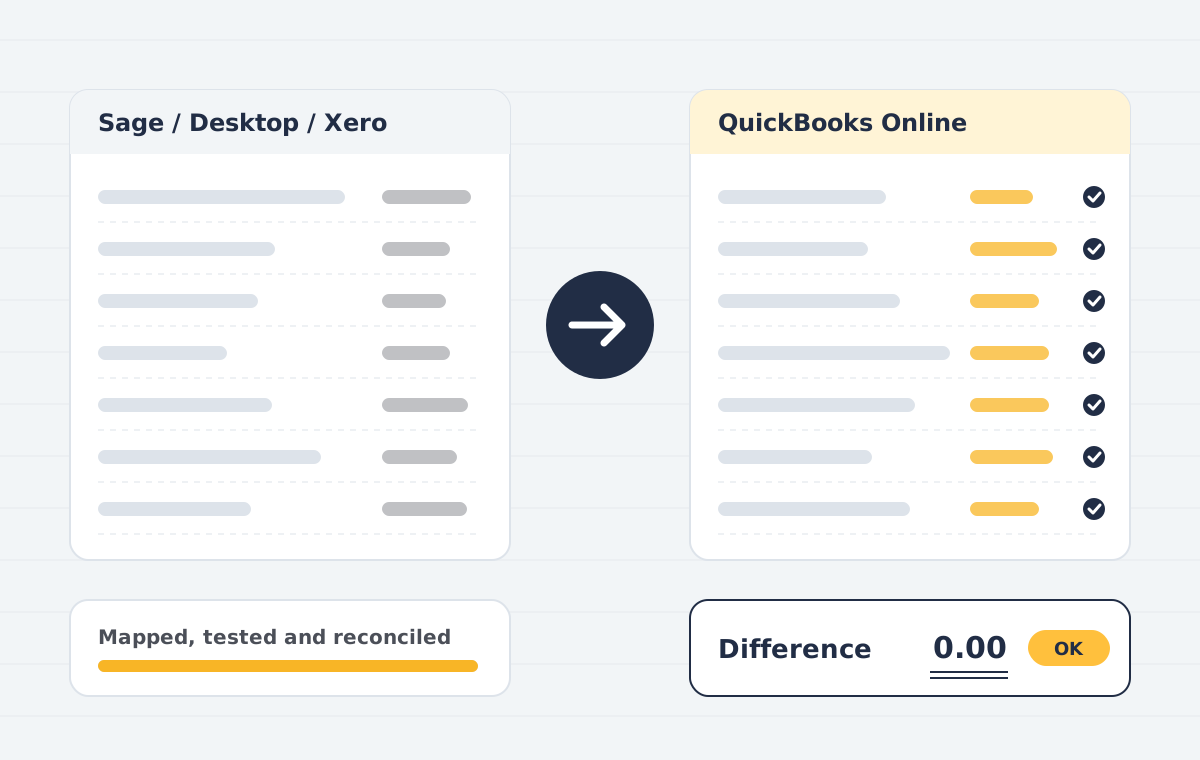
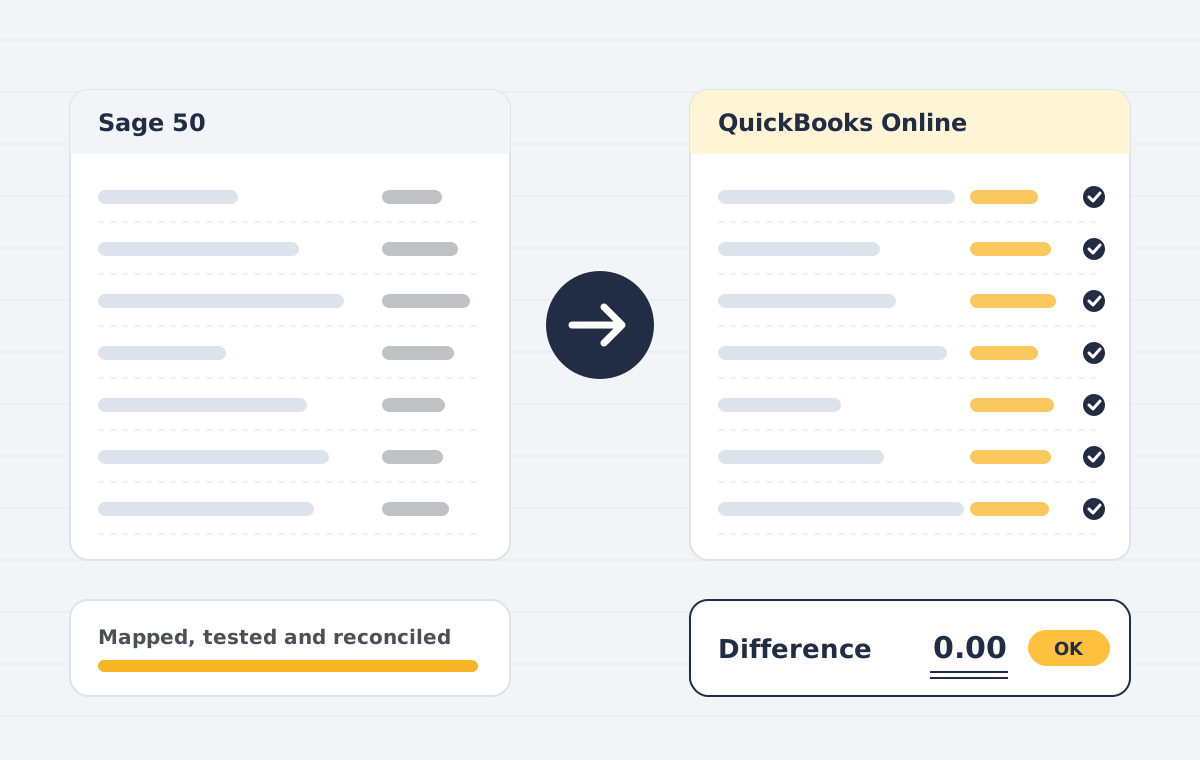
A Sage to QuickBooks migration exports your Sage chart of accounts, contacts, items and transactions, maps them to QuickBooks structures, and imports them with matching balances. Because Sage and QuickBooks treat tax codes and nominal codes differently, mapping and reconciliation are the critical steps.
Sounds familiar?
- Nominal codes that need restructuring
- VAT or sales tax codes with no direct equivalent
- Departments and projects that should become classes or locations
- Customer and supplier records with duplicates
What is included
Nominal code mapping
Sage nominal ledger mapped to a cleaner QuickBooks chart of accounts.
Tax code mapping
VAT or sales tax codes re-created and tested.
Contacts & items
Customers, suppliers and products moved with balances and terms.
Transaction history
Invoices, bills, payments and journals for the years you choose.
Departments to classes
Reporting dimensions preserved using classes, locations or tags.
Reconciliation pack
Trial balance and ageing comparison signed off with you.
How the project runs
Scoping call
We review your source file, years of history, users and integrations, then confirm what can move and what cannot.
Data audit & mapping
We check the source trial balance, clean duplicates and map accounts, tax codes, items and contacts to the destination.
Test migration
A trial run into a sandbox company lets you review reports before anything goes live.
Live migration
We migrate the agreed data set at an agreed cut-over date, with minimal downtime for your team.
Reconciliation
Trial balance, AR/AP ageing and bank balances are compared side by side and differences are explained or corrected.
Handover & training
Your team gets a walkthrough, a migration report and post-go-live support.
Who this is for
- UK, US and Australian Sage users moving to the cloud
- Businesses outgrowing Sage 50 desktop licensing
Sage to QuickBooks: common questions
Can you migrate Sage 50 to QuickBooks Online?
Yes. We export your Sage 50 data, map it to QuickBooks Online and import it with reconciled balances. Sage Business Cloud Accounting can be migrated the same way.
Will my VAT history come across?
Tax amounts on migrated transactions carry over. Filed VAT returns are not re-created in QuickBooks, so keep a copy of your Sage returns for your records.
How do you handle Sage departments?
Departments usually become QuickBooks classes or locations, so you keep the same reporting view.
Sage to QuickBooks: mapping that holds up
Sage nominal codes, VAT codes and departments do not line up one to one with QuickBooks. A Sage to QuickBooks move needs a mapping table that your accountant agrees before any data moves.
We run a Sage to QuickBooks test import, compare the trial balance and VAT liability, and fix the mapping until both match. Only then do we convert the final data. UK clients can check HMRC Making Tax Digital guidance for VAT filing after the move.
For other moves into QuickBooks, see our QuickBooks data migration and conversion page or the Xero to QuickBooks service.