In short
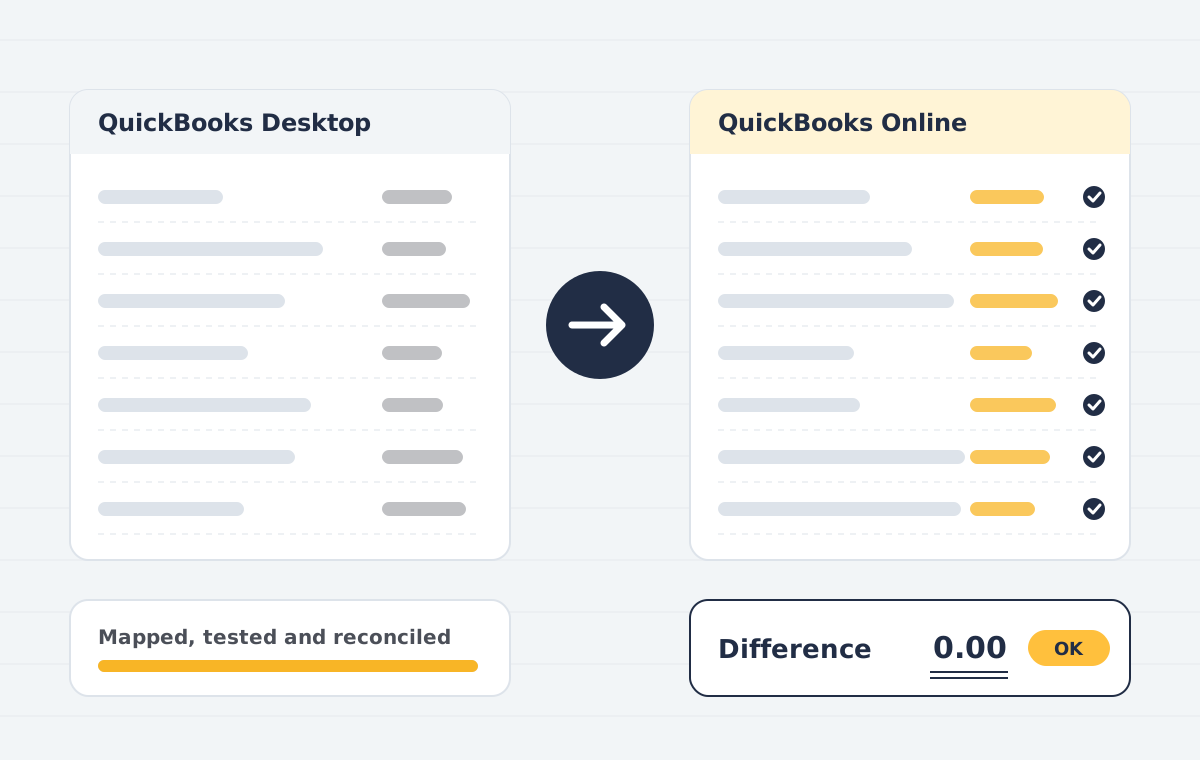
QuickBooks data migration and conversion is the transfer of accounting data into, out of, or between versions of QuickBooks: converting QuickBooks Desktop to QuickBooks Online, moving Sage, Xero, Tally, MYOB or spreadsheet data into QuickBooks, and migrating QuickBooks to Zoho Books. Lists, open transactions, history and balances are moved, then reconciled report by report so the new file matches the old one.
Sounds familiar?
- QuickBooks Desktop is reaching end of support and you need to move to QuickBooks Online
- The built-in conversion tool failed, or the file is too large or damaged
- Sage, Xero or Tally data that has to come into QuickBooks with history
- Balances in the new file do not match the old books
- Moving from QuickBooks to Zoho Books without re-keying years of data
What is included
QuickBooks Desktop to Online conversion
Pro, Premier, Enterprise and Mac files converted, with errors fixed first.
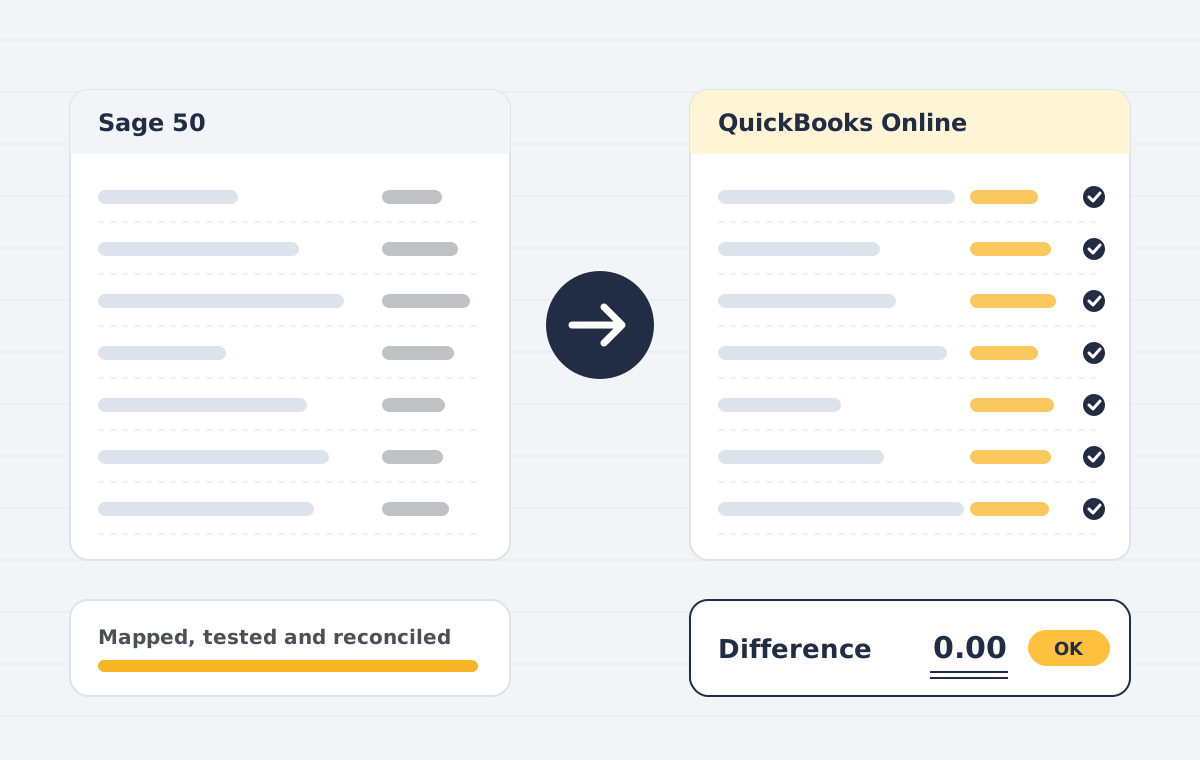
Sage to QuickBooks conversion
Sage 50, Sage 200 and Sage Business Cloud data with customers, suppliers and history.
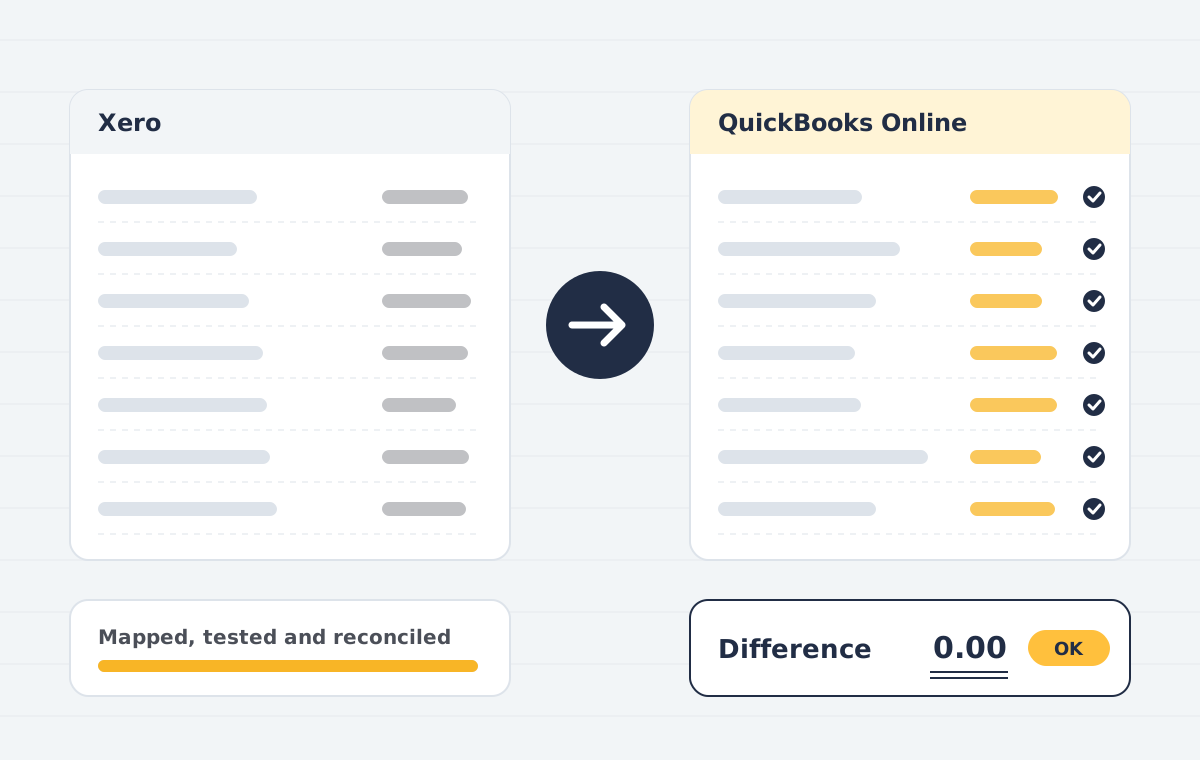
Xero to QuickBooks conversion
Chart of accounts, contacts, invoices, bills and tracking categories.
Tally, MYOB and Excel to QuickBooks
Ledgers, vouchers and opening balances mapped to QuickBooks accounts and tax codes.
QuickBooks to Zoho Books migration
QuickBooks Online or Desktop data moved into Zoho Books with balances intact.
Version and region changes
Desktop editions upgraded, Mac and Windows files converted, and data moved into a new QuickBooks Online company for another country.
Merge or split company files
Entities combined into one file, or one file split by entity, with clean history.
Clean-up before conversion
Duplicates merged, unapplied payments and undeposited funds cleared, lists tidied.
Tax and payroll mapping
US sales tax, GST/HST, UK VAT, Australian GST and Indian GST codes mapped and tested.
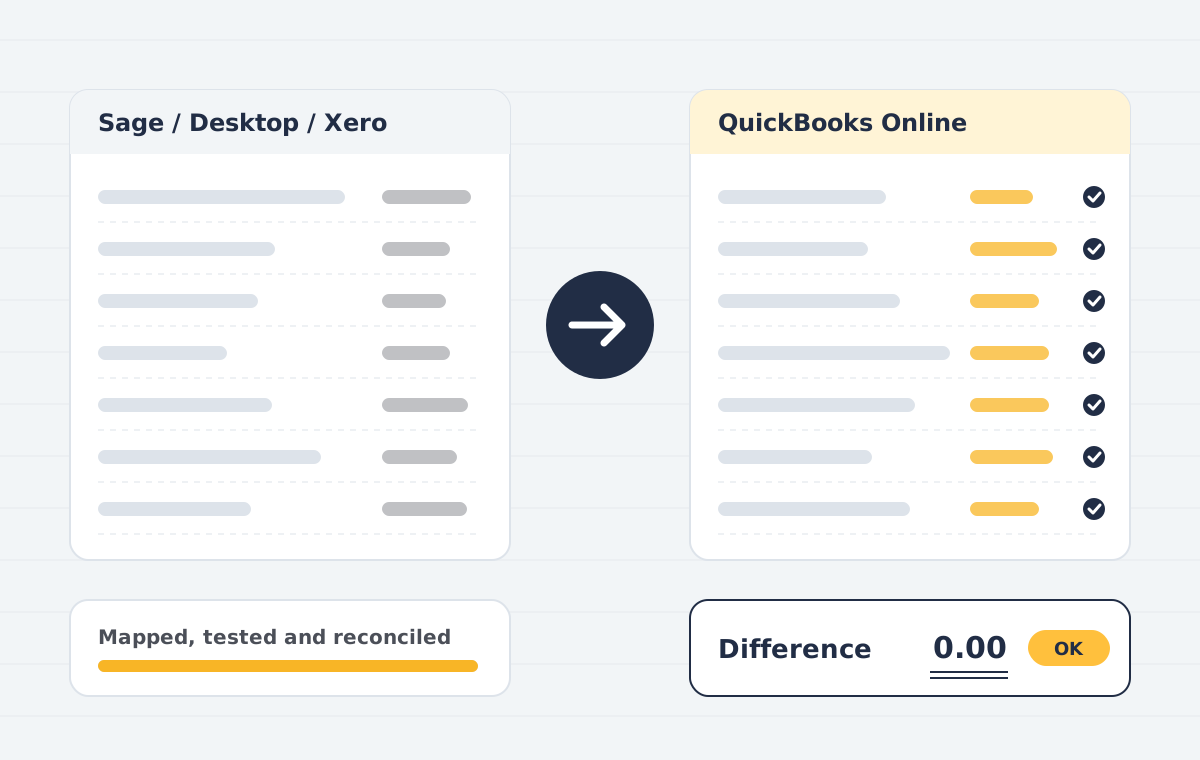
Reconciliation report
Trial balance, P&L, balance sheet, AR and AP ageing and bank compared side by side.
Platforms covered
How the project runs
Scoping call
We review your source file, years of history, users and integrations, then confirm what can move and what cannot.
Data audit & mapping
We check the source trial balance, clean duplicates and map accounts, tax codes, items and contacts to the destination.
Test migration
A trial run into a sandbox company lets you review reports before anything goes live.
Live migration
We migrate the agreed data set at an agreed cut-over date, with minimal downtime for your team.
Reconciliation
Trial balance, AR/AP ageing and bank balances are compared side by side and differences are explained or corrected.
Handover & training
Your team gets a walkthrough, a migration report and post-go-live support.
Who this is for
- Businesses in the US, Canada, UK and Australia moving to QuickBooks Online
- Companies leaving Sage, Xero or Tally for QuickBooks
- QuickBooks users moving to Zoho Books
- Accounting firms with client files to convert in bulk
- Owners whose earlier conversion left balances that do not match
QuickBooks data migration and conversions we handle
| Conversion | What moves |
|---|---|
| QuickBooks Desktop to QuickBooks Online | Lists, full or summarised history, open AR/AP, inventory and balances |
| Sage to QuickBooks | Customers, suppliers, items, open invoices and bills, history and opening balances |
| Xero to QuickBooks Online | Chart of accounts, contacts, invoices, bills, payments and tracking |
| QuickBooks to Zoho Books | Accounts, contacts, items, open transactions and history |
| Tally, MYOB or Excel to QuickBooks | Ledgers, masters and opening balances, with history where available |
What we check before your QuickBooks conversion goes live
- Trial balance on the cut-over date matches to the cent
- Accounts receivable and payable ageing match by customer and supplier
- Bank and credit card balances agree with statements
- Sales tax, GST or VAT liability agrees with the last return
- Inventory quantity and value match the old stock report
- A written list of anything that could not move, agreed before you start
QuickBooks data migration & conversion: common questions
What is QuickBooks data conversion?
QuickBooks data conversion is moving your accounting data from another system, or from another version of QuickBooks, into QuickBooks so lists, transactions and balances carry over. The most common is QuickBooks Desktop to QuickBooks Online.
How long does a QuickBooks data migration take?
A small business with a few years of history is often converted in three to five working days. Large files, inventory, several entities or Sage and Tally sources can take two to three weeks. You get a timeline with the fixed quote.
How much does QuickBooks data migration cost?
The price depends on the source system, years of history, transaction volume and clean-up needed. After a free scoping call and a look at your file, we send a fixed quote.
What does not convert from QuickBooks Desktop to Online?
Some data, such as certain reports, payroll history, the audit trail, memorised transactions and some inventory settings, does not convert directly. We list what applies to your file and recreate what can be recreated.
Can you convert Sage 50 to QuickBooks Online with history?
Yes. We move customers, suppliers, items, open invoices and bills, and transaction history or monthly summaries, then reconcile the trial balance on the cut-over date.
Can QuickBooks Online data be moved to Zoho Books?
Yes. We migrate the chart of accounts, contacts, items, open invoices and bills, and history into Zoho Books, then reconcile balances before go-live.
Can I change the country of my QuickBooks Online company?
A QuickBooks Online company cannot be switched to another country edition. We create a new company for the right country and migrate your data into it.
Can we keep working during the conversion?
Yes. We work on a copy of your data and agree a cut-over date. Entries made after the copy are brought across before go-live.
Is my accounting data secure?
Files are exchanged over encrypted links, access is limited to the assigned consultant, and we can sign an NDA. Copies are deleted after sign-off on request.
Do you convert QuickBooks files for accountants?
Yes. Accounting firms in the US, UK, Canada and Australia send us client conversions in batches, and we return each file with a reconciliation pack.
Related case studies
How we keep a QuickBooks data migration accurate
A QuickBooks data migration fails quietly. The file opens, the lists look right, and three months later the receivables report is off by an invoice nobody can find. We prevent that by reconciling at every stage, not just at the end.
Before any QuickBooks data migration we clean the source file, agree what history moves and run a test conversion. You review the test company, we fix the mapping, and only then do we run the final QuickBooks data conversion on the agreed cut-over date.
After go-live you receive a reconciliation pack: trial balance, receivables and payables ageing, bank and sales tax compared line by line. If you are leaving QuickBooks, our QuickBooks to Zoho Books migration follows the same checks. Learn more about QuickBooks Online.
Every QuickBooks data migration also includes a short handover call, so your bookkeeper knows where history, opening balances and attachments now live, and what to do differently from day one.
Planning a QuickBooks data migration this year? Book a free scoping call and we will tell you the effort, the timeline and what your QuickBooks data migration will cost before you commit.
We deliver QuickBooks data migration and conversion worldwide, with country pages for the USA, the UK, Canada, Australia.