+91 99908 27699 info@publishpoint.in Mon–Fri, 9:00 am – 8:00 pm IST

Chart of accounts best practices for a new accounting system

How to design a clean chart of accounts when setting up QuickBooks Online or Zoho Books: structure, numbering, dimensions and what to avoid.

By Publish Point Editorial Team · Published · 5 min read

Chart of accounts best practices illustration

Key takeaways

  • Keep the chart lean and use classes, locations or tags for reporting dimensions.
  • Design it with your accountant so tax and year-end work is easier.
  • Use consistent numbering and naming.

Start from reports, not accounts

List the reports management and your accountant need. Then design accounts that produce those reports, and use dimensions such as classes, locations or tags for everything else.

Rules that keep it clean

  • One account per purpose. Avoid "Misc" and "Other" accounts that grow forever.
  • Numbered ranges: assets, liabilities, equity, income, cost of sales, expenses.
  • Sub-accounts only where you genuinely report at that level.
  • Customer, project or department detail goes in dimensions, not separate accounts.

When migrating

A migration is the best time to simplify. Map several old accounts into one new account where the detail is not needed, and keep a mapping table for the auditors.

Need help with this?

Our QuickBooks Online implementation service covers everything in this guide, with a fixed quote after a free call.

See QuickBooks Online implementationBook a free demo

Frequently asked questions

How many accounts should a small business have?

There is no fixed number. Many small businesses work well with a lean chart of a few dozen accounts plus dimensions for detail.

Product names and features change. Check the vendor’s current documentation before acting on dates or plan details.
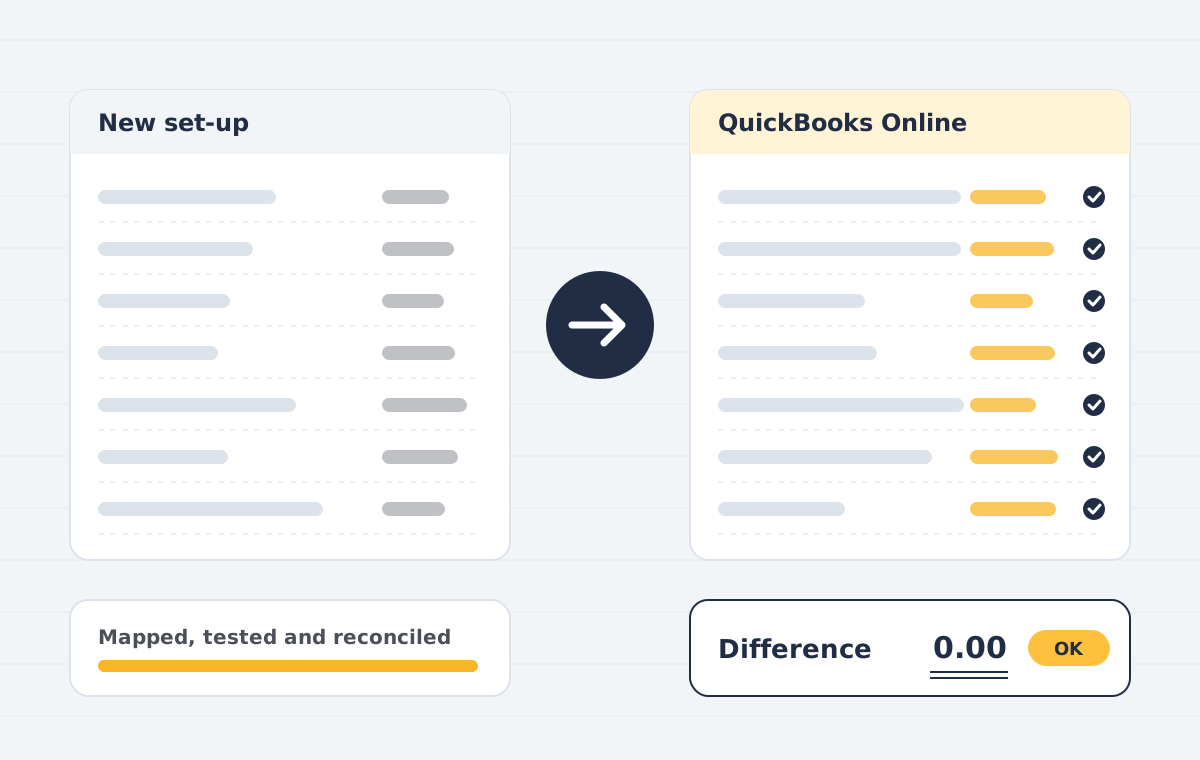
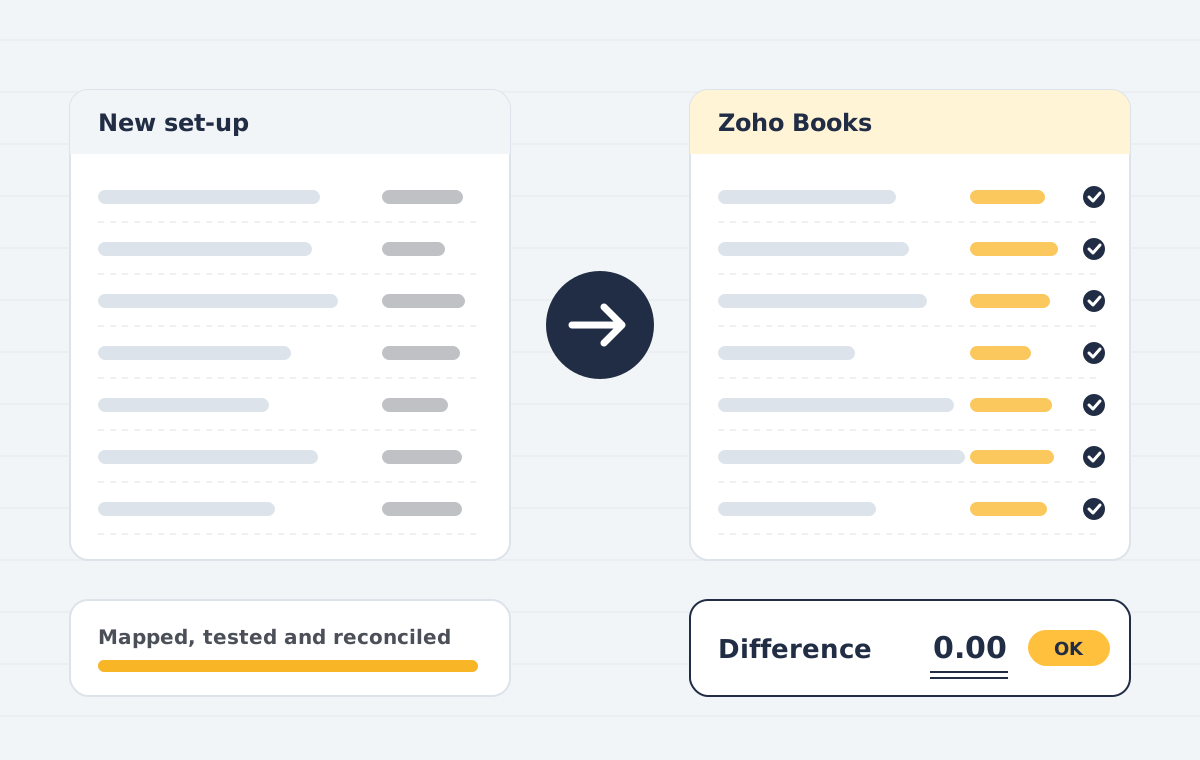
Chart of accounts examples by business type

A service business usually needs a short chart of accounts with income split by service line and costs split by team. Projects and clients belong in classes or tags, not in new accounts.

A trading or manufacturing business needs a chart of accounts that separates stock, cost of goods sold and freight, so gross margin is reliable. Warehouse and channel detail belongs in locations or reporting tags.

Non-profits often add restricted and unrestricted funds. Whatever the type, review the chart of accounts with your accountant before go-live. We do this in every QuickBooks Online implementation and Zoho Books implementation.

When you migrate, map the old chart of accounts to the new one in a spreadsheet first, and keep it as an audit trail. QuickBooks support guides explain account types if you are unsure which one to choose.

Finally, keep a short written policy for when a new account may be added and who approves it. A chart of accounts stays clean only if someone owns it after go-live.

Talk to a specialist about your move

In a free 30-minute call we review your current set-up, tell you what can be migrated, and send a fixed quote afterwards.