Key takeaways
- There is no direct live connector; data is exported from Tally as reports and imported into Zoho Books.
- Import order matters: chart of accounts, contacts and items, opening balances, then transactions.
- Opening balances must match the Tally trial balance on the migration date.
- Filed GST returns stay on the GST portal; only transaction-level tax data moves.
What can be migrated
Zoho’s migration guidance covers the chart of accounts (Tally account masters), customers and vendors with opening balances, items with opening stock, opening balances for receivables, payables, assets and liabilities, tax details, sales and purchase transactions, payments and manual journals.
Exports you need from Tally
- Master data: ledgers, groups and stock items
- Trial balance and stock summary dated to the migration date
- Voucher data for the period you want to bring across
Tally to Zoho Books migration: the order of work
- Set up the organisation profile, fiscal year and GST settings in Zoho Books.
- Import the chart of accounts, mapped from Tally groups and ledgers.
- Import customers, vendors and items, with GST treatment and HSN/SAC codes.
- Add bank accounts, then enter opening balances from the Tally trial balance.
- Import transactions: purchases, then sales, then journals.
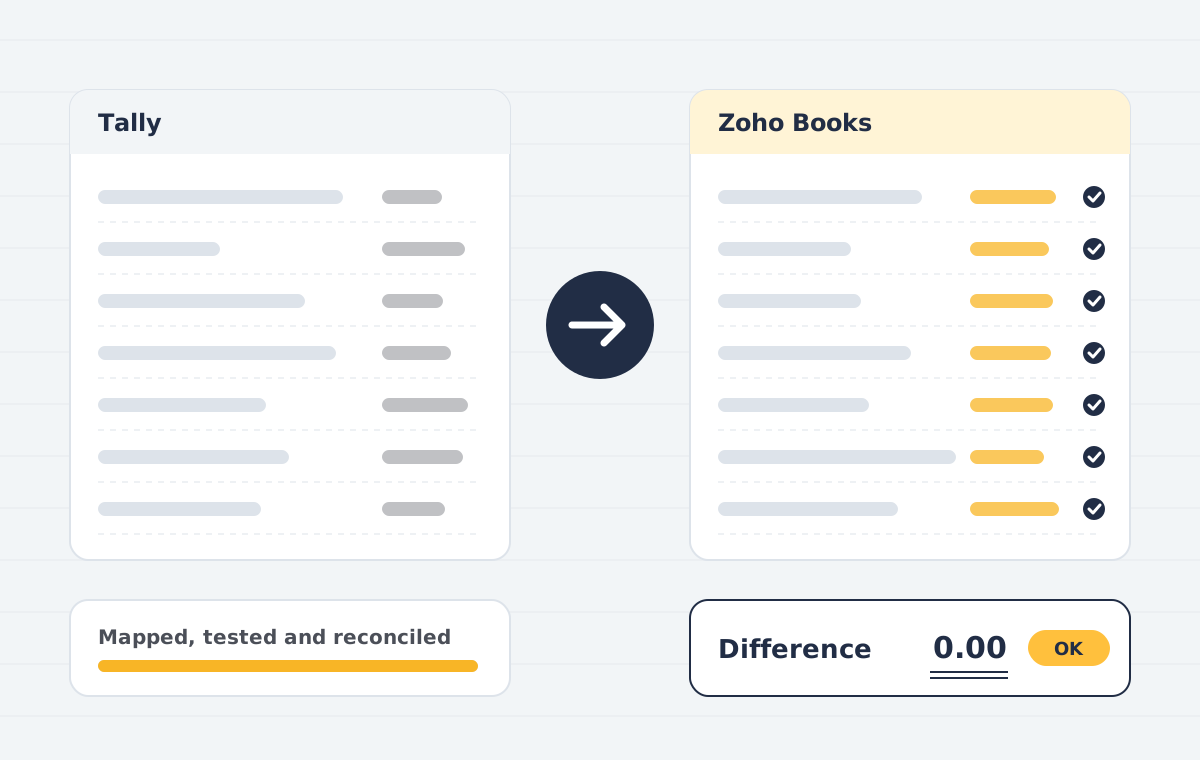
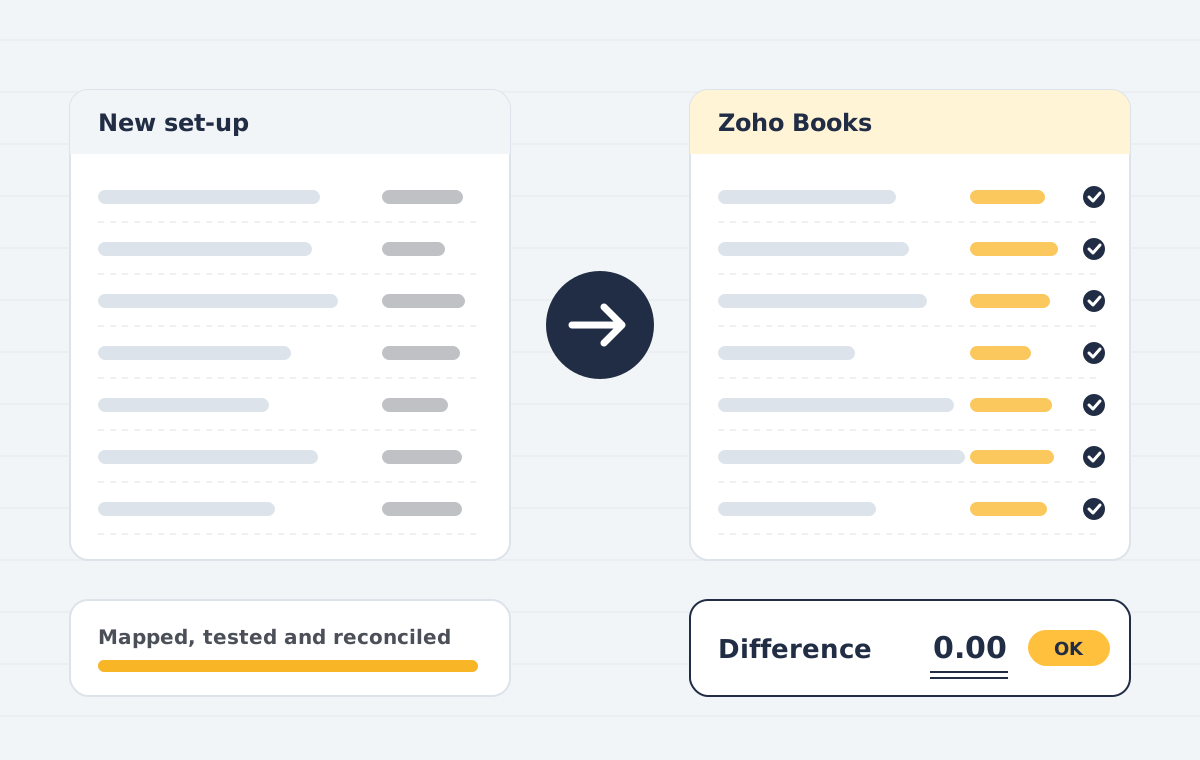
- Reconcile against Tally and sign off with your CA.
GST considerations
Set up each GSTIN correctly before importing. If you have several registrations, decide whether they should be branches in one organisation or separate organisations. Turn on e-invoicing and e-way bills if they apply to you. Returns already filed are not re-filed, so keep your Tally reports and portal records as your archive.
Where migrations go wrong
- Ledgers created ad hoc over years, so the mapping is unclear
- Stock valuation in Tally that does not match the ledger balance
- Party names with small spelling differences that create duplicates
Need help with this?
Our Tally to Zoho Books service covers everything in this guide, with a fixed quote after a free call.
See Tally to Zoho BooksBook a free demoFrequently asked questions
Can I migrate Tally data to Zoho Books in the middle of the year?
Yes. Enter opening balances on the chosen date and import transactions from that date. A year or quarter start is simpler.
Does Zoho Books support Indian GST?
Yes. The Indian edition supports GST returns, e-invoicing and e-way bills.
Sources
Product names and features change. Check the vendor’s current documentation before acting on dates or plan details.