The challenge
The company file had grown over nine years, contained data integrity errors and exceeded the target limits of the built-in conversion tool. The owners needed inventory quantities and open purchase orders to carry over exactly.
Our approach
- Ran verify and rebuild, then resolved remaining errors at transaction level
- Condensed history older than five years into summary journals, agreed with their CPA
- Converted the file and re-created inventory assemblies in QuickBooks Online
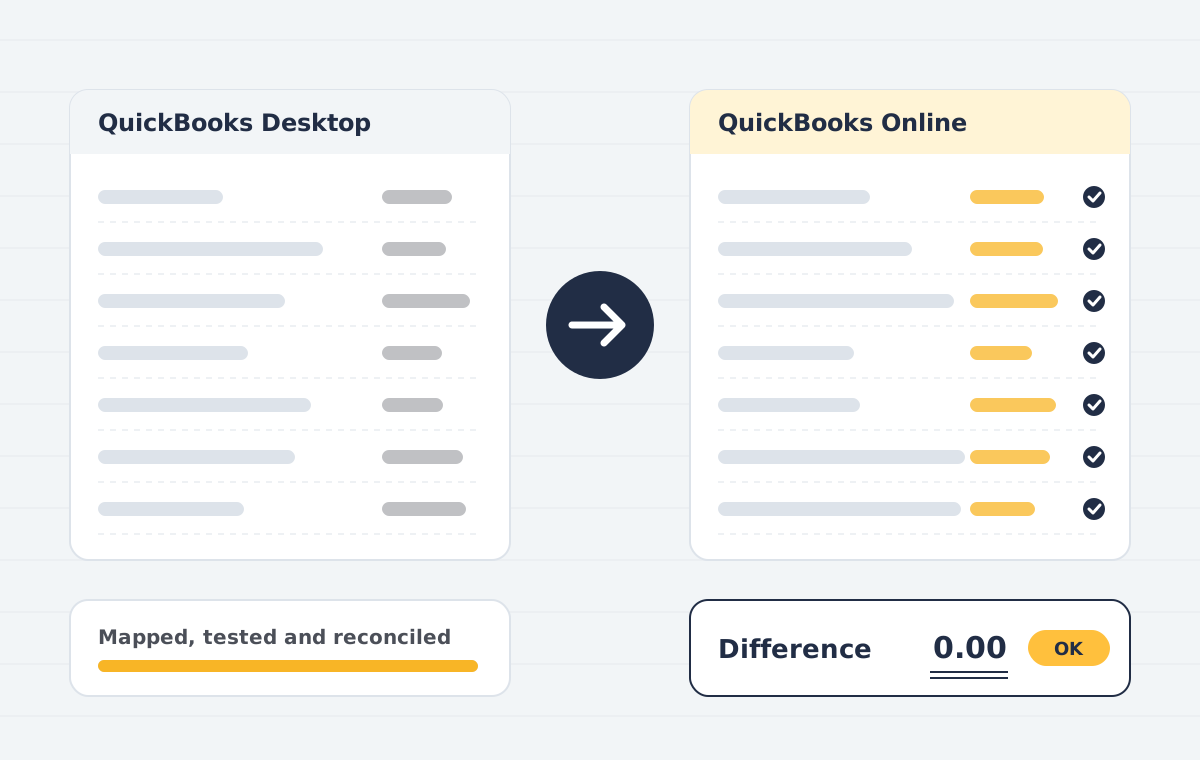
- Reconciled inventory valuation, AR, AP and bank balances against Desktop reports
What was delivered
- File health check: Verify and rebuild the company file, and resolve data errors before conversion.
- Edition matching: We recommend the right QuickBooks Online plan for your users, classes and inventory needs.
- Conversion: Built-in tool or third-party conversion depending on file size and complexity.
- Clean-up: Inactive lists merged, unapplied payments resolved, and undeposited funds cleared.
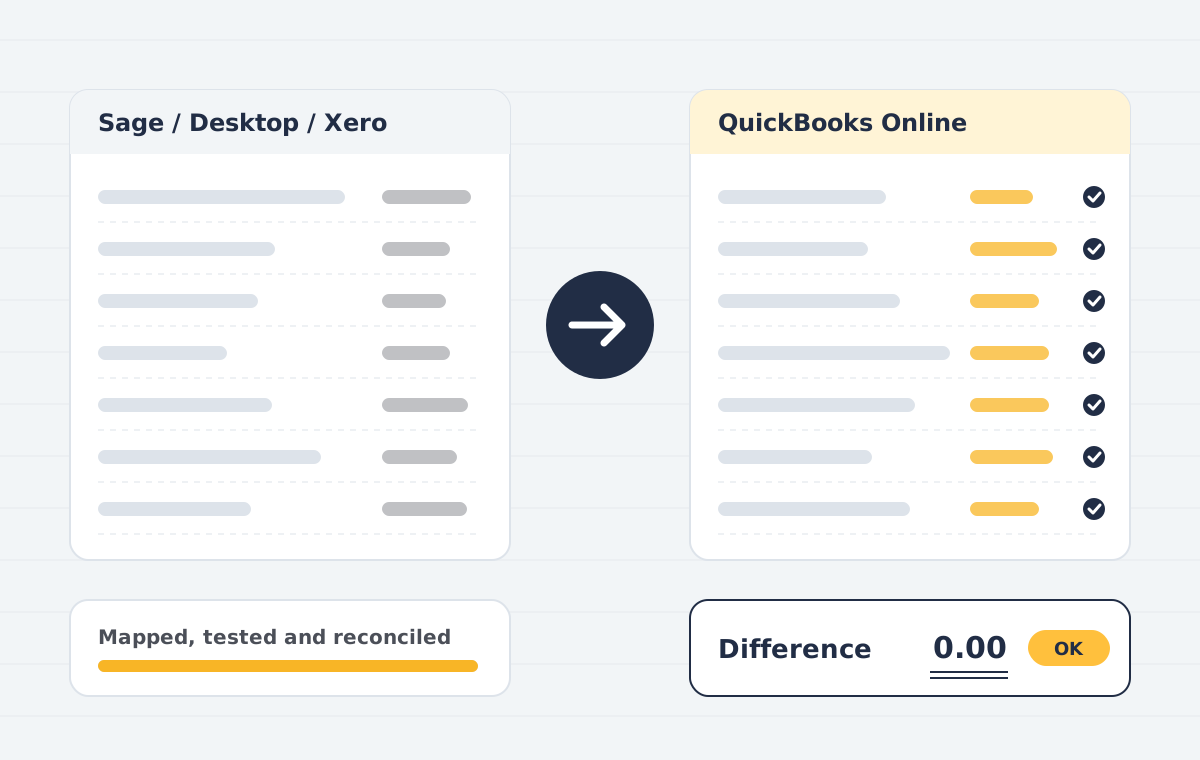
- Reconciliation: Profit and loss, balance sheet, AR and AP compared report by report.
- App reconnection: Bank feeds, payment apps and payroll reconnected in QuickBooks Online.
The result
The team switched over on the agreed weekend cut-over date, with the trial balance, stock valuation and ageing reports matching the Desktop file.
How the project ran
- Scoping call. We review your source file, years of history, users and integrations, then confirm what can move and what cannot.
- Data audit & mapping. We check the source trial balance, clean duplicates and map accounts, tax codes, items and contacts to the destination.
- Test migration. A trial run into a sandbox company lets you review reports before anything goes live.
- Live migration. We migrate the agreed data set at an agreed cut-over date, with minimal downtime for your team.
- Reconciliation. Trial balance, AR/AP ageing and bank balances are compared side by side and differences are explained or corrected.
- Handover & training. Your team gets a walkthrough, a migration report and post-go-live support.
Planning a similar move? Read about our quickbooks desktop to online service or book a free 30-minute call.
Lessons from this Desktop to Online move
Large Desktop to Online conversions fail most often because of damaged lists and very long transaction histories. Repairing the file first saved weeks in this project.
Summarising older years kept the new QuickBooks Online company fast, while the last three years of detail stayed searchable. The client agreed that split with their CPA before any Desktop to Online work started.
If you face a similar Desktop to Online move, see our QuickBooks Desktop to Online migration service or read the 2026 checklist. Intuit also documents QuickBooks Online plans.
This is a sample case study that shows how such a project typically runs.
Before any work starts, you get a written scope that lists the data, the systems, the timeline and the price. We agree on test checkpoints, so you can review results at each stage and stop if something does not look right.
Our team has delivered projects for clients in India, the United States, the United Kingdom, Canada, Australia and the UAE. You can reach us on +91 9990827699 or at Info@publishpoint.in, and we usually reply within one business day.
After go-live we stay available for questions, small changes and training refreshers, so your staff are never left on their own with a new system.
Have questions about QuickBooks Desktop to Online Case Study? Book a free scoping call and we will review your current set-up, your data and the best next step.