The challenge
The agency tracked profitability by department in Sage and did not want to lose that view, and its VAT codes did not map one-to-one.
Our approach
- Mapped Sage departments to QuickBooks classes
- Rebuilt VAT codes and tested them against prior returns
- Migrated three years of transactions with open items at line level
- Trained the finance team on class-based reports
What was delivered
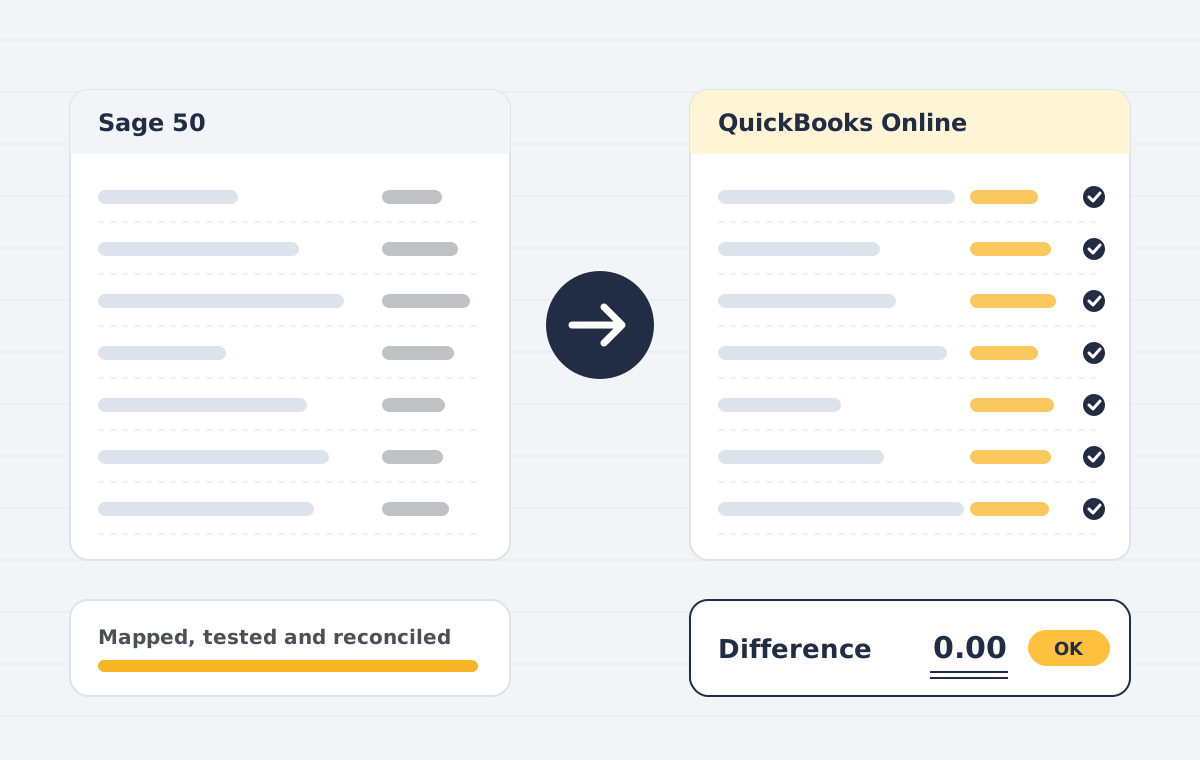
- Nominal code mapping: Sage nominal ledger mapped to a cleaner QuickBooks chart of accounts.
- Tax code mapping: VAT or sales tax codes re-created and tested.
- Contacts & items: Customers, suppliers and products moved with balances and terms.
- Transaction history: Invoices, bills, payments and journals for the years you choose.
- Departments to classes: Reporting dimensions preserved using classes, locations or tags.
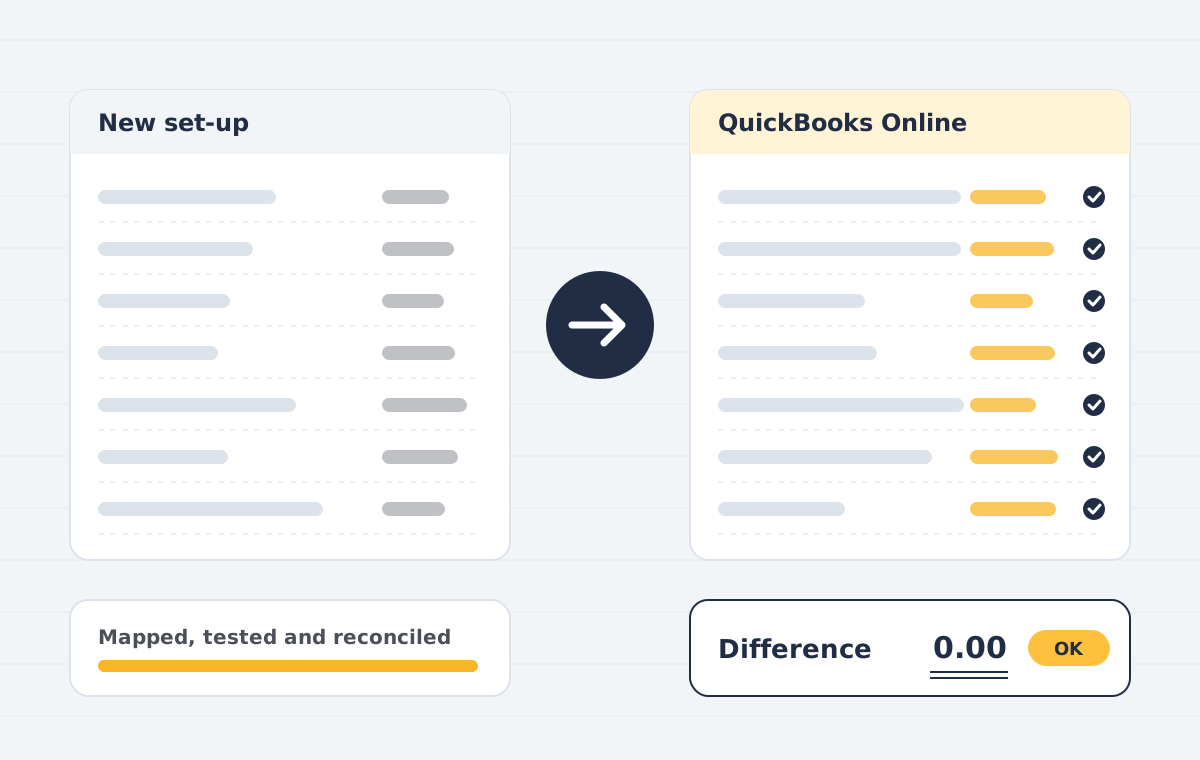
- Reconciliation pack: Trial balance and ageing comparison signed off with you.
The result
Department reporting carried over as class reporting, and the first VAT return from QuickBooks was prepared without manual adjustments.
How the project ran
- Scoping call. We review your source file, years of history, users and integrations, then confirm what can move and what cannot.
- Data audit & mapping. We check the source trial balance, clean duplicates and map accounts, tax codes, items and contacts to the destination.
- Test migration. A trial run into a sandbox company lets you review reports before anything goes live.
- Live migration. We migrate the agreed data set at an agreed cut-over date, with minimal downtime for your team.
- Reconciliation. Trial balance, AR/AP ageing and bank balances are compared side by side and differences are explained or corrected.
- Handover & training. Your team gets a walkthrough, a migration report and post-go-live support.
Planning a similar move? Read about our sage to quickbooks service or book a free 30-minute call.
What made this Sage to QuickBooks move work
The agency reported profit by client team, using Sage departments. The Sage to QuickBooks mapping turned those departments into classes, so every report kept working after the move.
VAT codes were mapped and tested against the last return before go-live. UK firms can read HMRC Making Tax Digital guidance for filing after a Sage to QuickBooks switch.
Planning your own Sage to QuickBooks move? See our Sage to QuickBooks migration service and the Sage 50 mapping guide.
This is a sample case study that shows how such a project typically runs.
Before any work starts, you get a written scope that lists the data, the systems, the timeline and the price. We agree on test checkpoints, so you can review results at each stage and stop if something does not look right.
Our team has delivered projects for clients in India, the United States, the United Kingdom, Canada, Australia and the UAE. You can reach us on +91 9990827699 or at Info@publishpoint.in, and we usually reply within one business day.
After go-live we stay available for questions, small changes and training refreshers, so your staff are never left on their own with a new system.
Have questions about Sage to QuickBooks Case Study? Book a free scoping call and we will review your current set-up, your data and the best next step.