Key takeaways
- Sage nominal codes become QuickBooks accounts, which is a good moment to simplify.
- Map VAT or sales tax codes explicitly and test them against a past return.
- Sage departments usually become QuickBooks classes or locations.
- Keep copies of filed returns from Sage; they are not re-created in QuickBooks.
Sage 50 to QuickBooks Online: how the structures compare
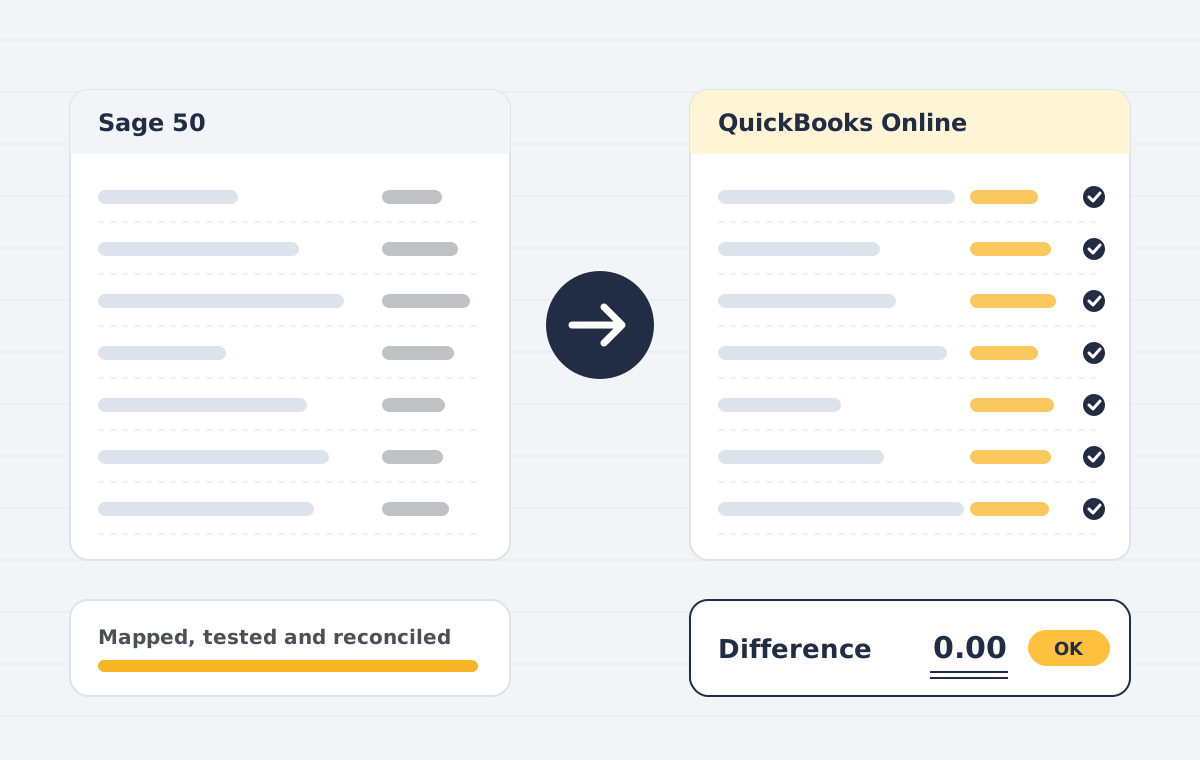
Sage organises the ledger by nominal codes, tax codes and departments. QuickBooks Online uses accounts with account types, tax rates and agencies, and classes or locations for reporting dimensions. A good migration maps each deliberately rather than copying blindly.
Nominal codes to accounts
Every QuickBooks account needs a type and detail type that drive reports. Group similar nominal codes, give each account the correct type, and keep account numbers if your accountant relies on them.
Tax codes to tax rates
Recreate each tax rate you actively use, then test by entering sample transactions and comparing the tax report with a past Sage return.
Departments to classes
If you report by department or cost centre, turn on class tracking and map departments to classes before importing transactions.
Sage 50 to QuickBooks Online reconciliation checklist
- Trial balance at cut-over
- Aged debtors and creditors
- Bank balances and last reconciled date
- Profit and loss by department or class for one recent period
Need help with this?
Our Sage to QuickBooks service covers everything in this guide, with a fixed quote after a free call.
See Sage to QuickBooksBook a free demoFrequently asked questions
Can Sage Business Cloud be migrated to QuickBooks too?
Yes. The approach is similar: export, map, import and reconcile.
Product names and features change. Check the vendor’s current documentation before acting on dates or plan details.